Find your way around settings
Settings is where you manage everything that is not part of a day-to-day conversation: your personal account, your workspace, the teammates you work with, and how chats are routed to people. The settings home groups these areas into sections so you can quickly open the one you need. This is useful when you want to update your profile, invite teammates, organize teams, or review routing options.
Before you begin
- You are signed in to Neura.
Steps
- Open Settings from the left sidebar.
- Review the settings sections grouped under You, Workspace, and Teams & routing.
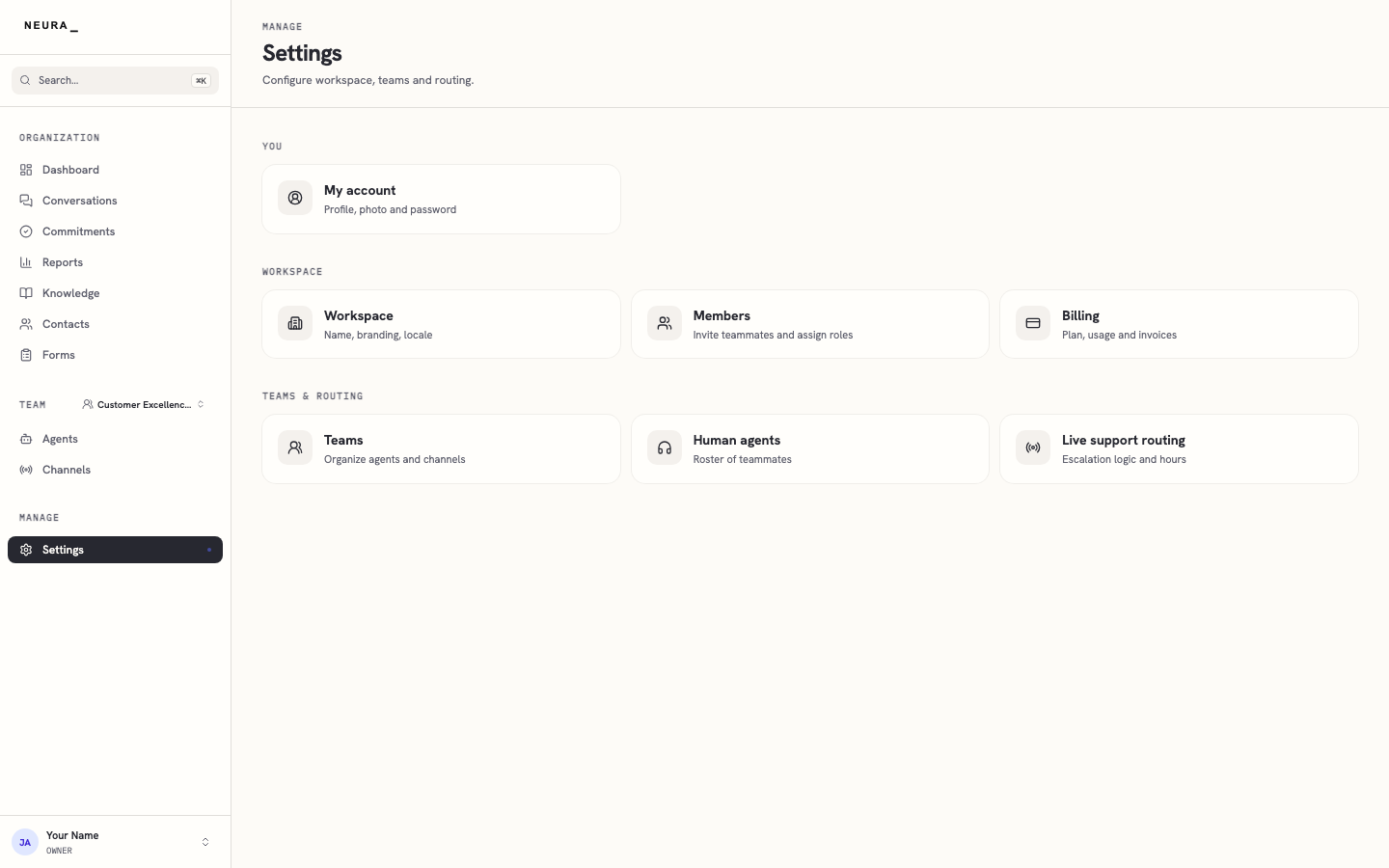
- Click the section you want to open, such as Members.
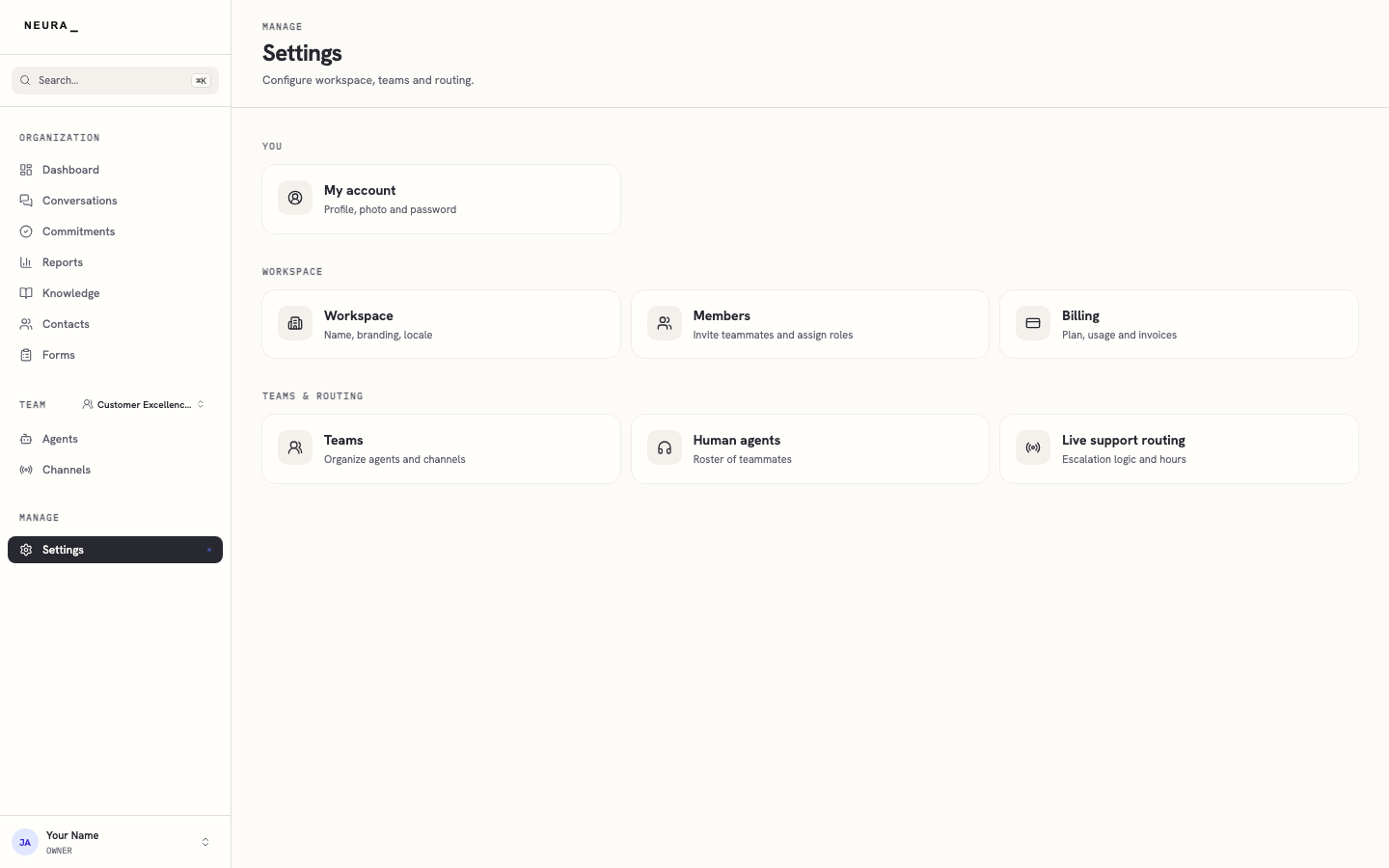
- Confirm that the selected settings page opens.
You’ll know it worked when
You can see every settings section in one place and open any of them with a single click.