Invite teammates and manage roles
Members are the people who can sign in to your workspace. You invite a teammate by email, they receive a link to join, and you can return to this page to see who already has access and which invitations are still pending. You need admin access to invite people.
Before you begin
- You are signed in as a workspace admin.
- You have the email address of the teammate you want to invite.
Steps
- Open Settings, then go to Members.
- Review the Active members and Pending invitations sections so you can see who already has access and whether any invites are still waiting.
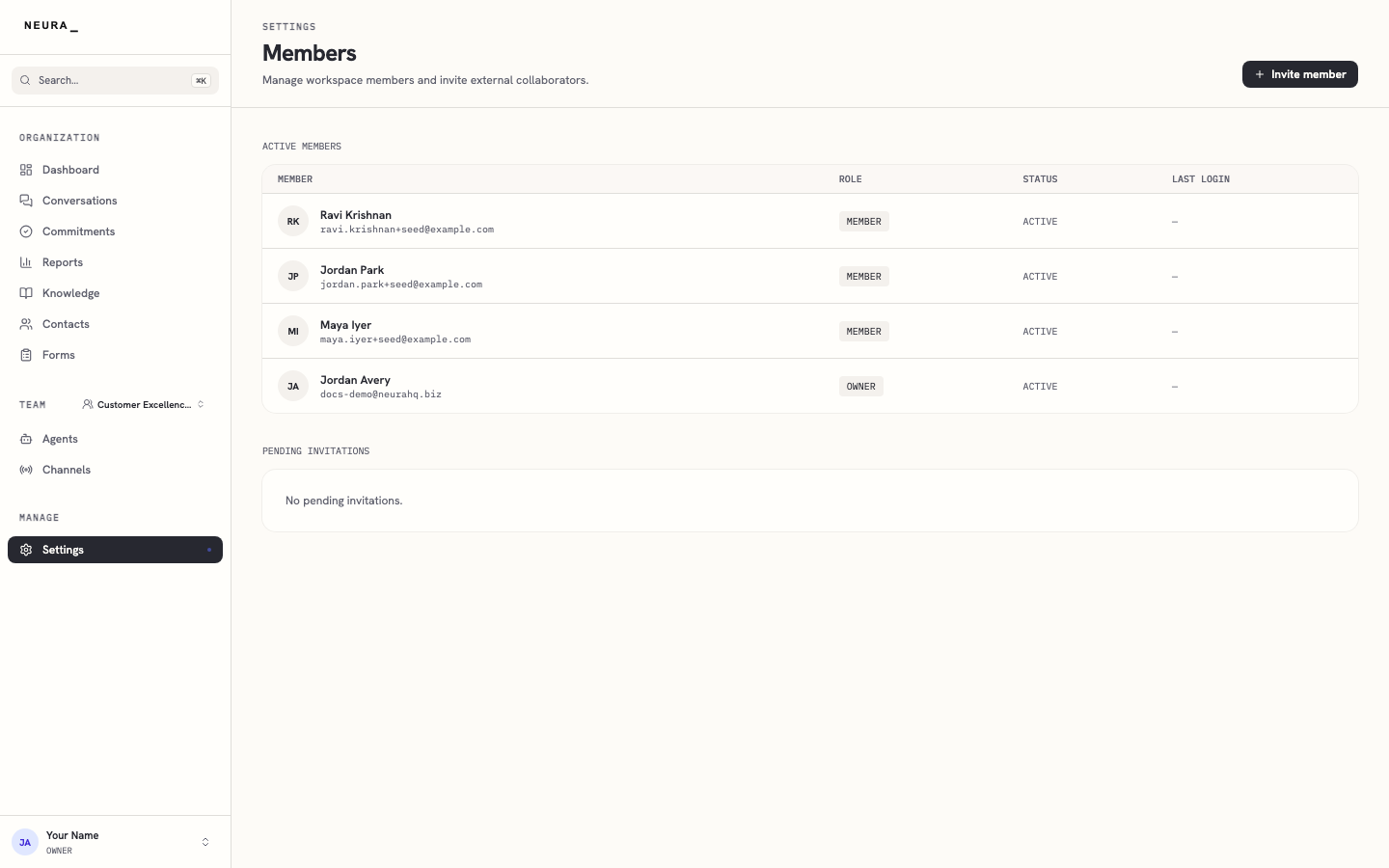
- Click Invite member.
- Enter the teammate’s email address in Email.
- Enter their name in First name (optional) if you want the invitation to be more personal.
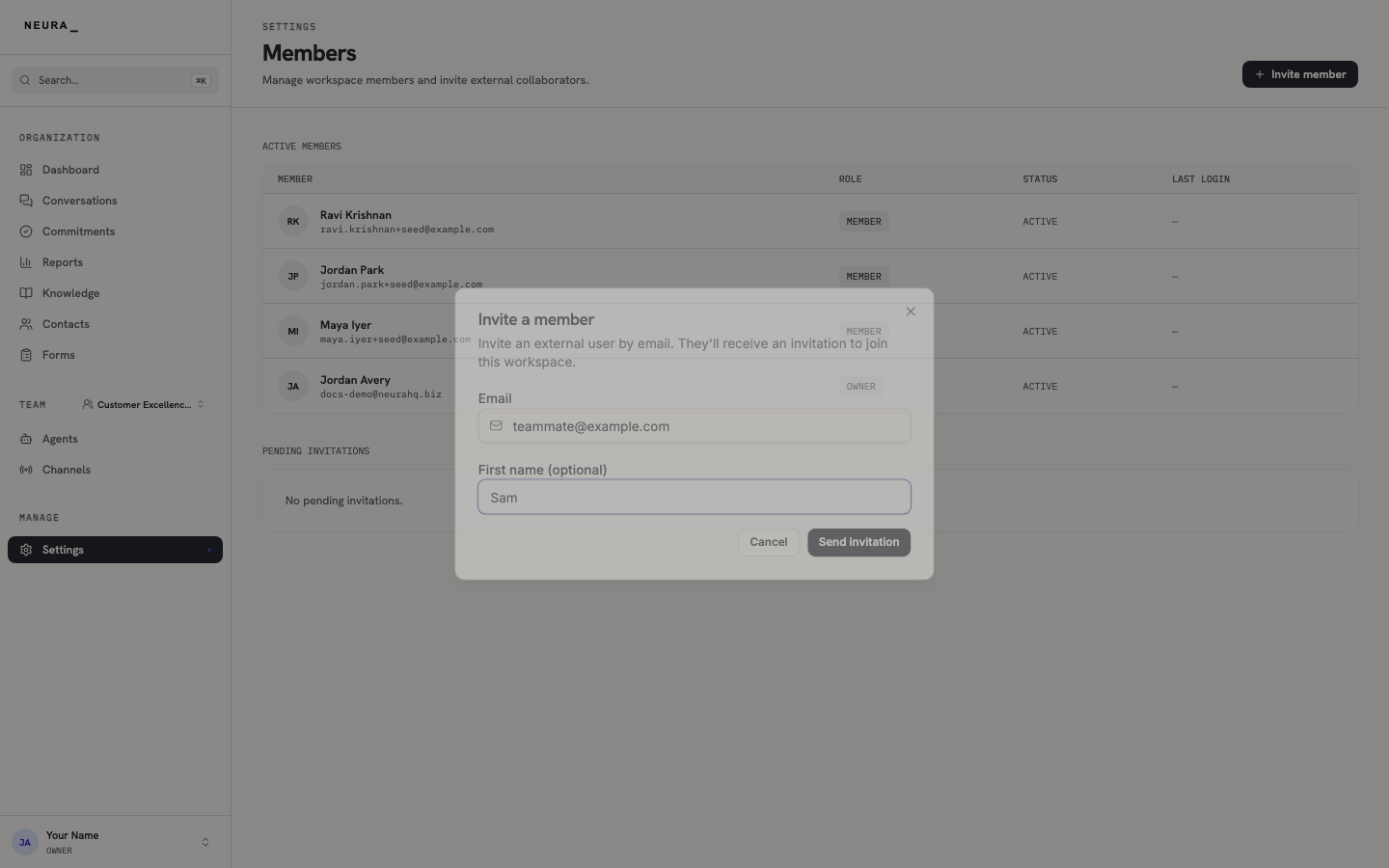
- Click Send invitation to email them a join link.
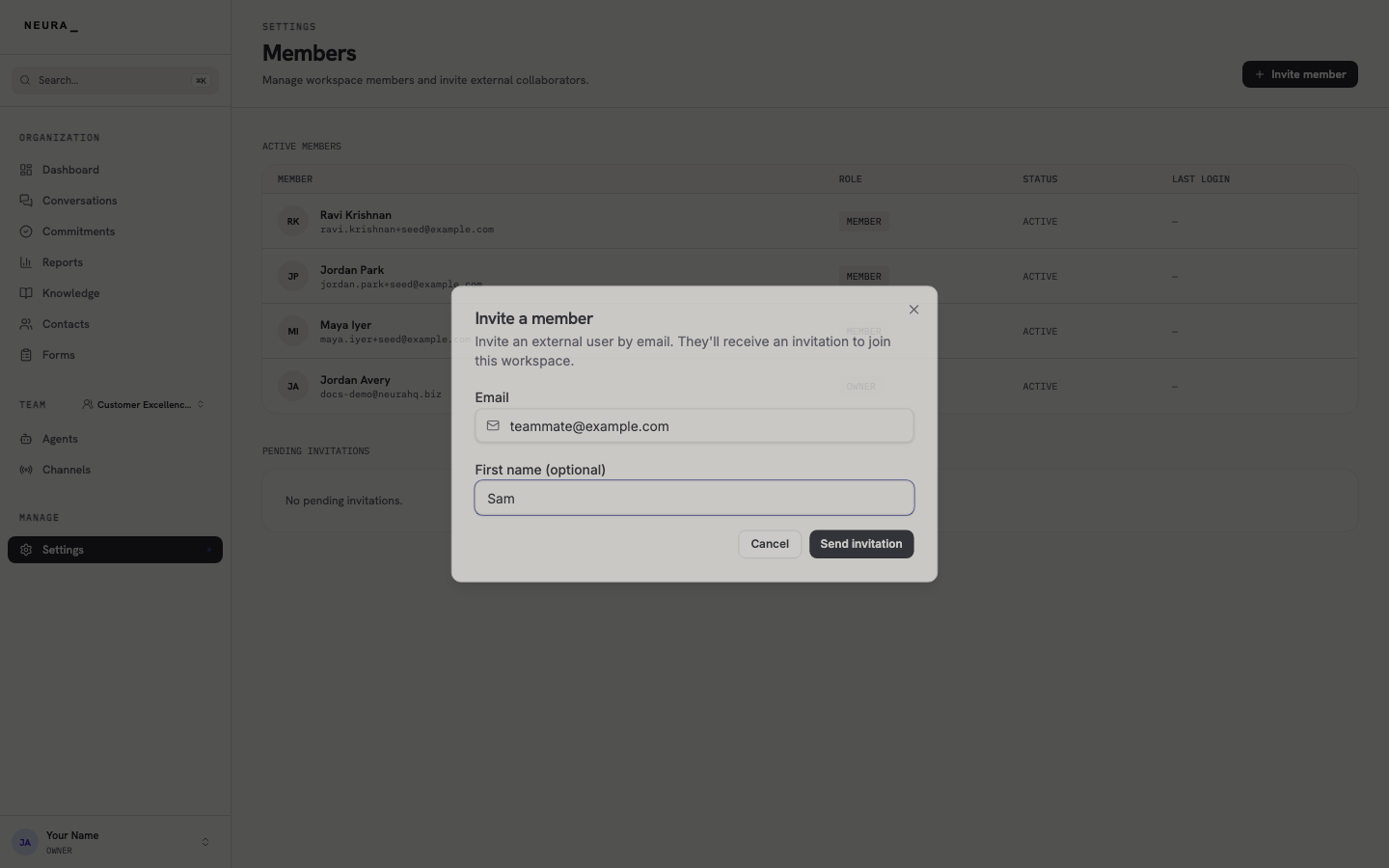
You’ll know it worked when
After you click Send invitation, the teammate gets an email with a join link and appears under Pending invitations until they accept.