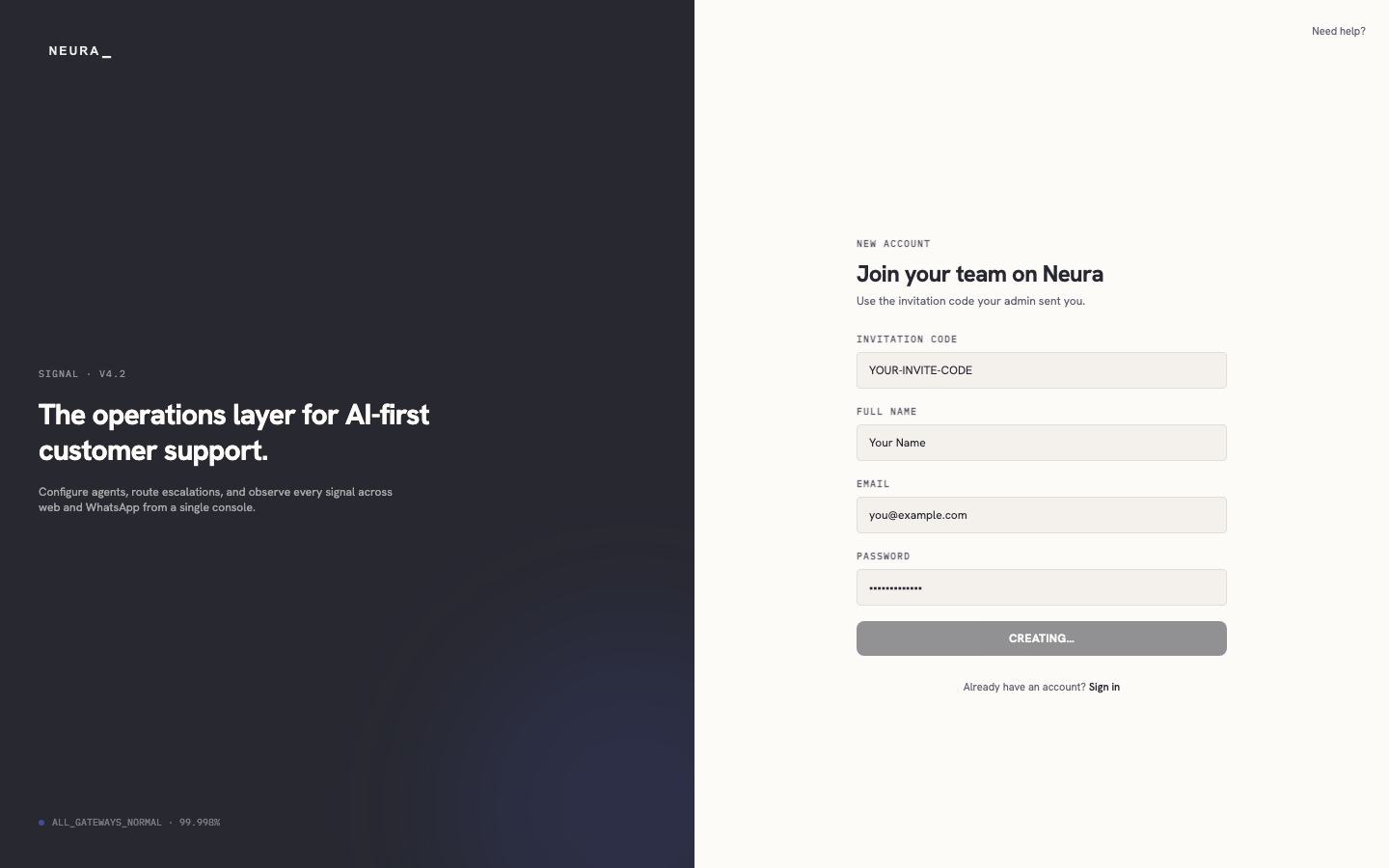
Create your Neura account
Use your invitation code to create your Neura account and set the login details for your workspace.
Before you begin
- An invitation code from your team admin.
Steps
-
Open the Neura sign-up page.
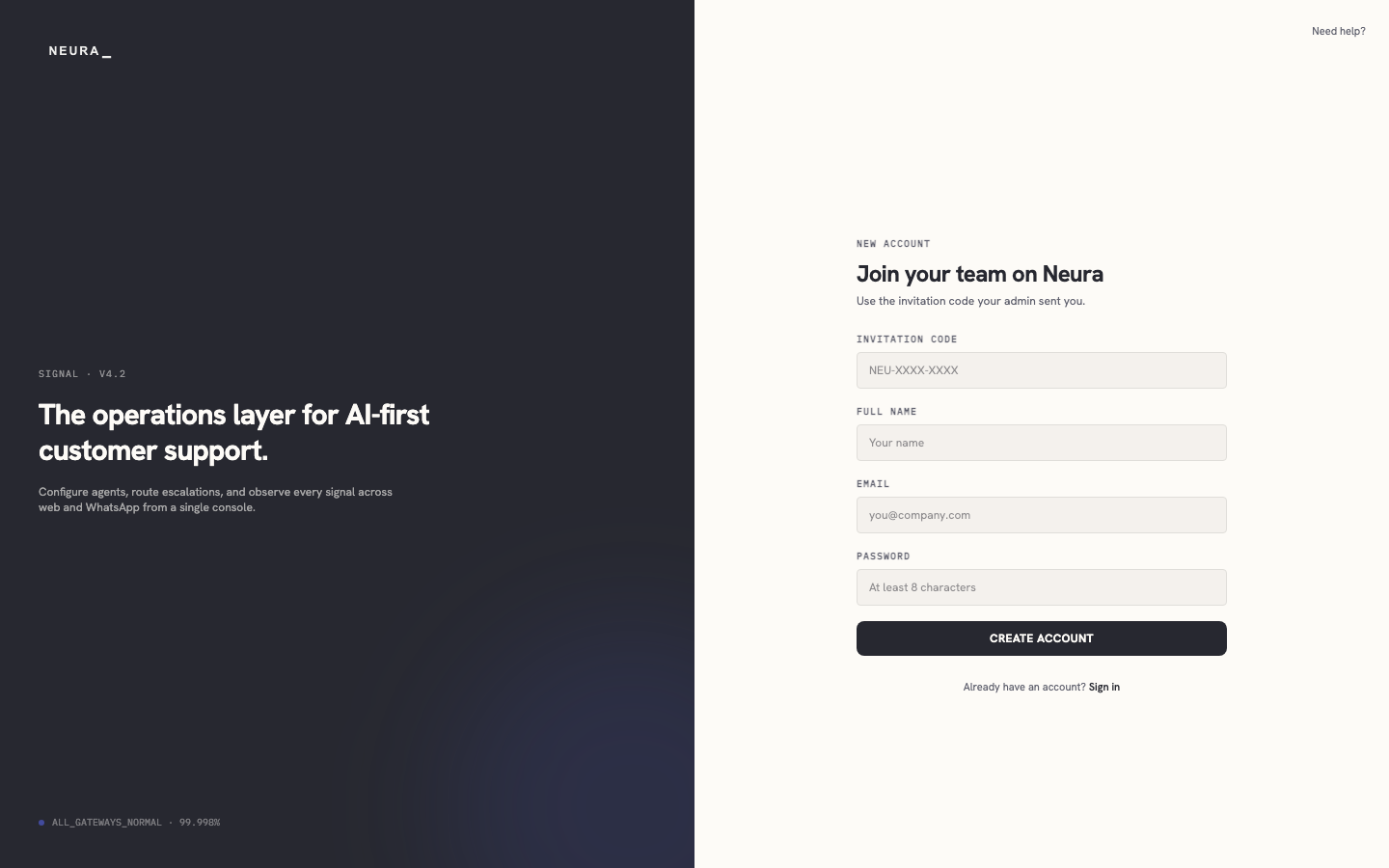
-
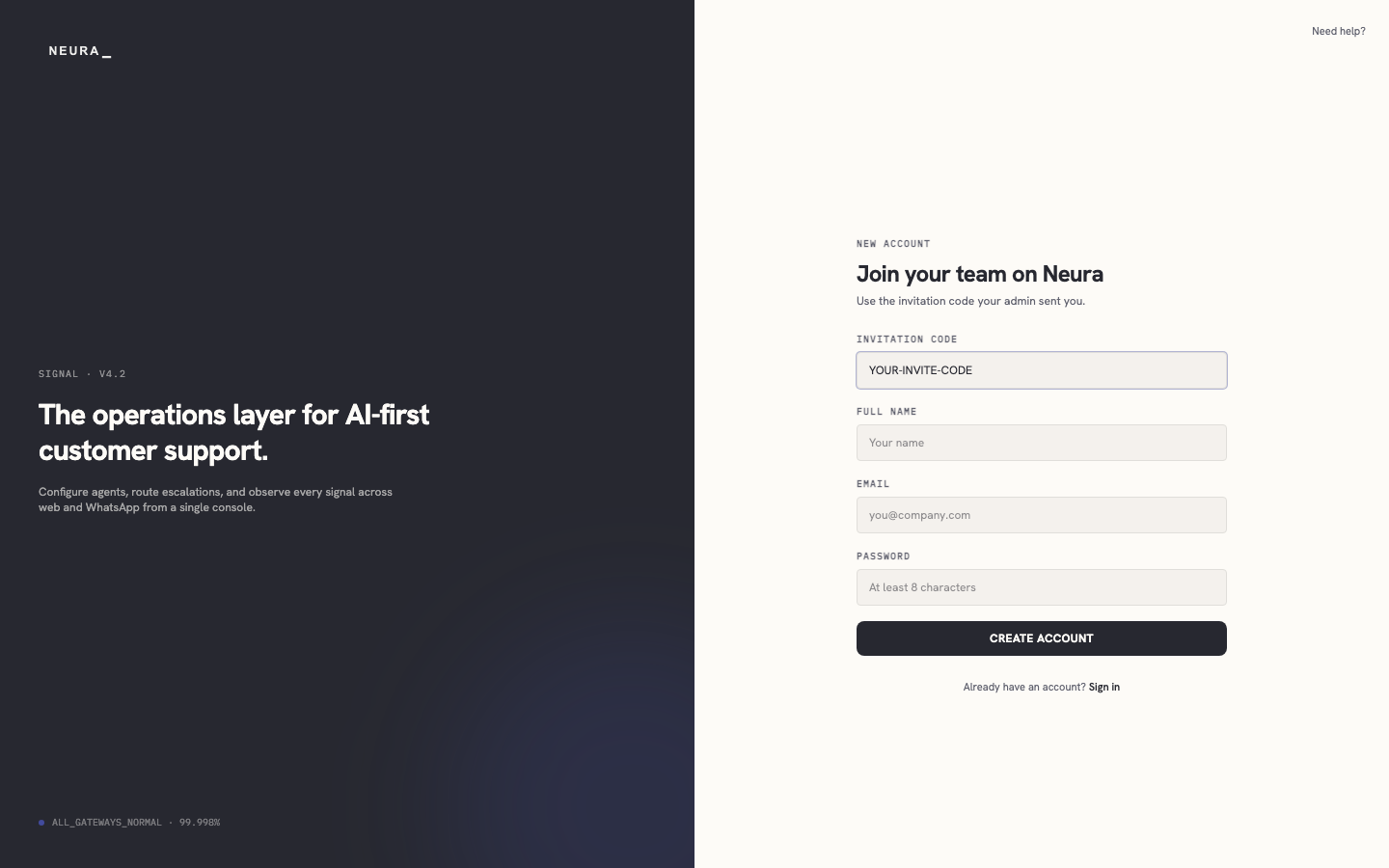
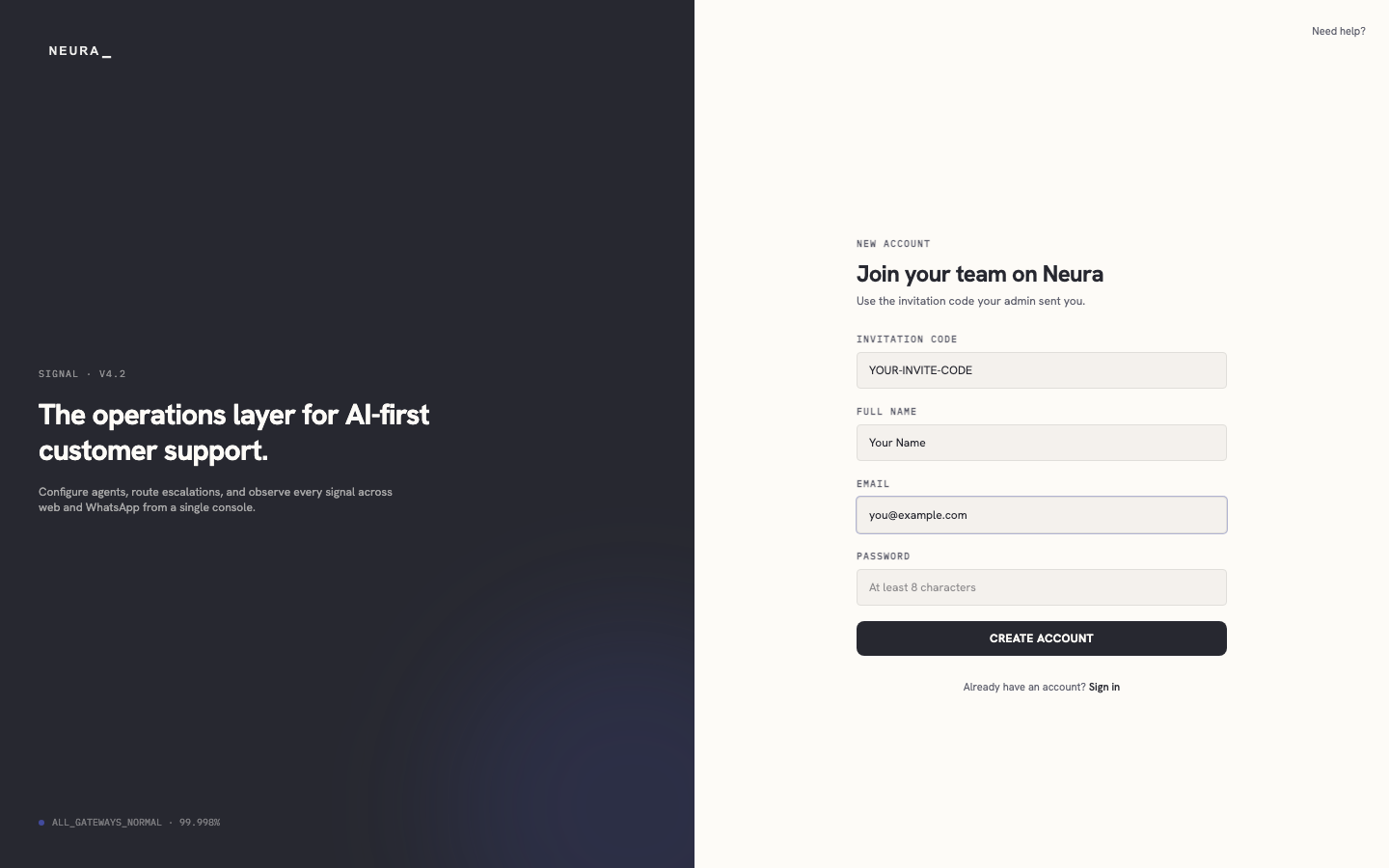
Enter your invitation code in INVITATION CODE.
-
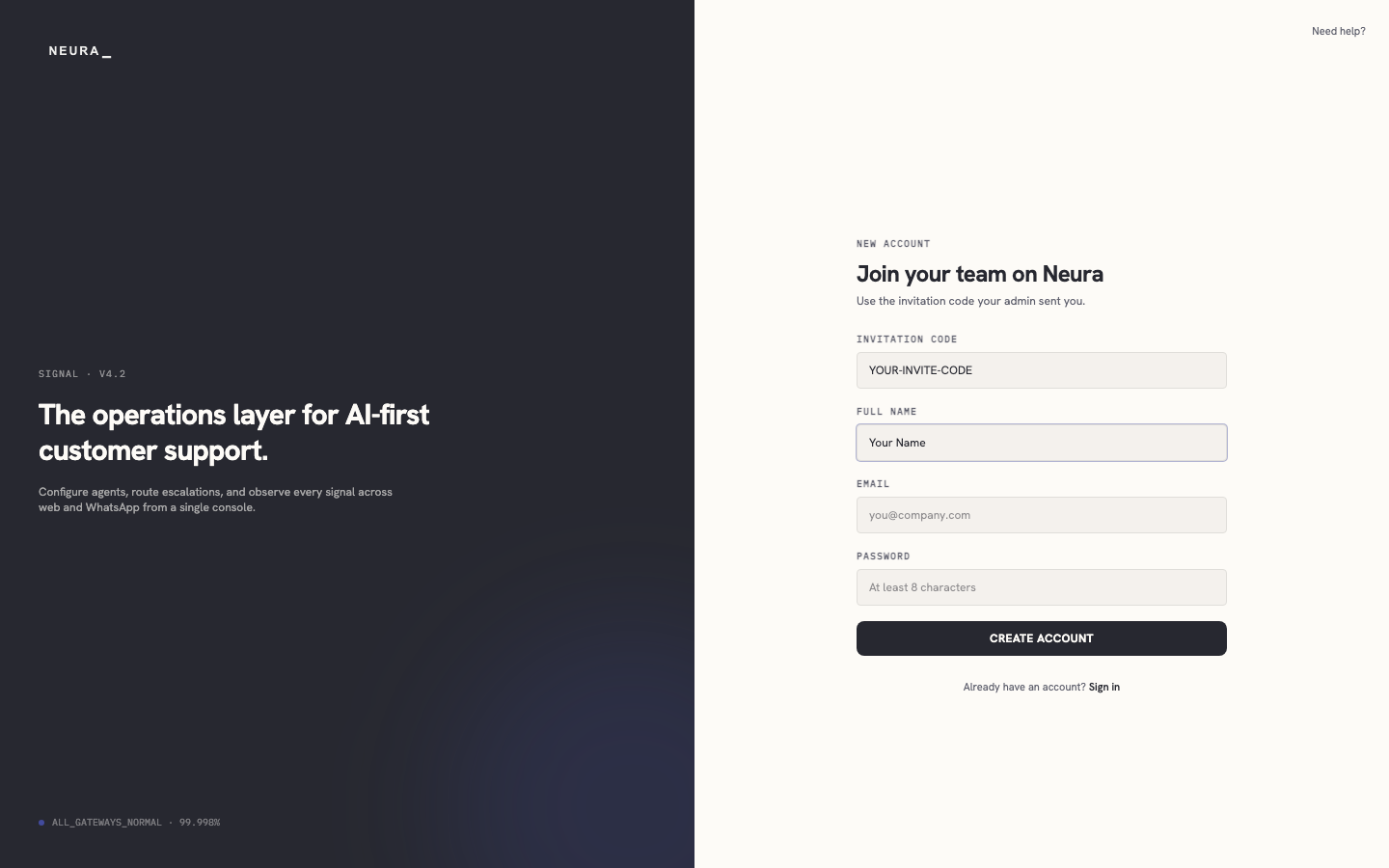
Enter your name in FULL NAME.
-
Enter your email address in EMAIL.
-
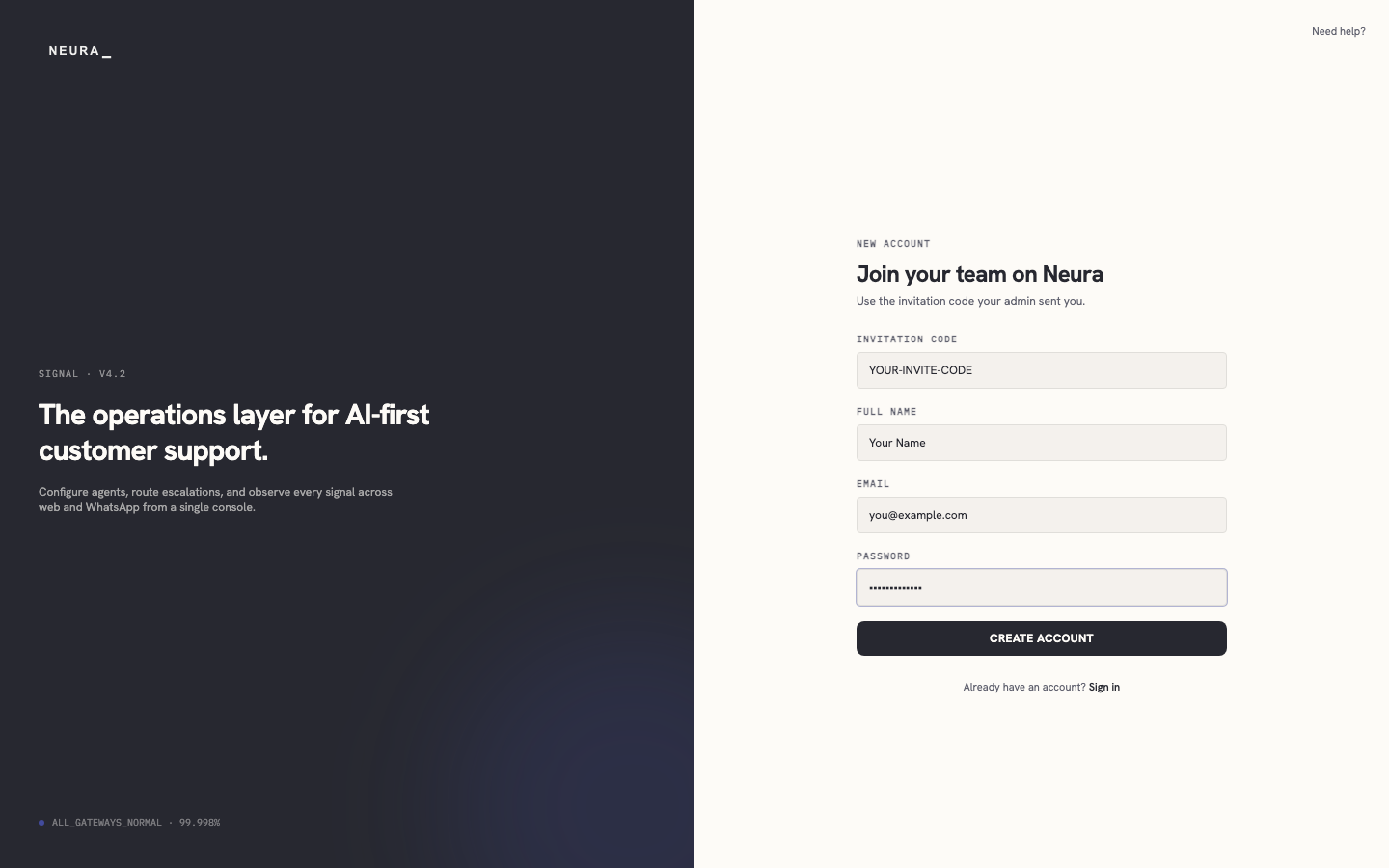
Enter your password in PASSWORD.
-
Click CREATE ACCOUNT.