Create a knowledge base
Create a knowledge base to organize related sources in one place. After you create it, you can open the knowledge base and start adding sources.
Before you begin
- An active Neura account you can sign in to.
Steps
-
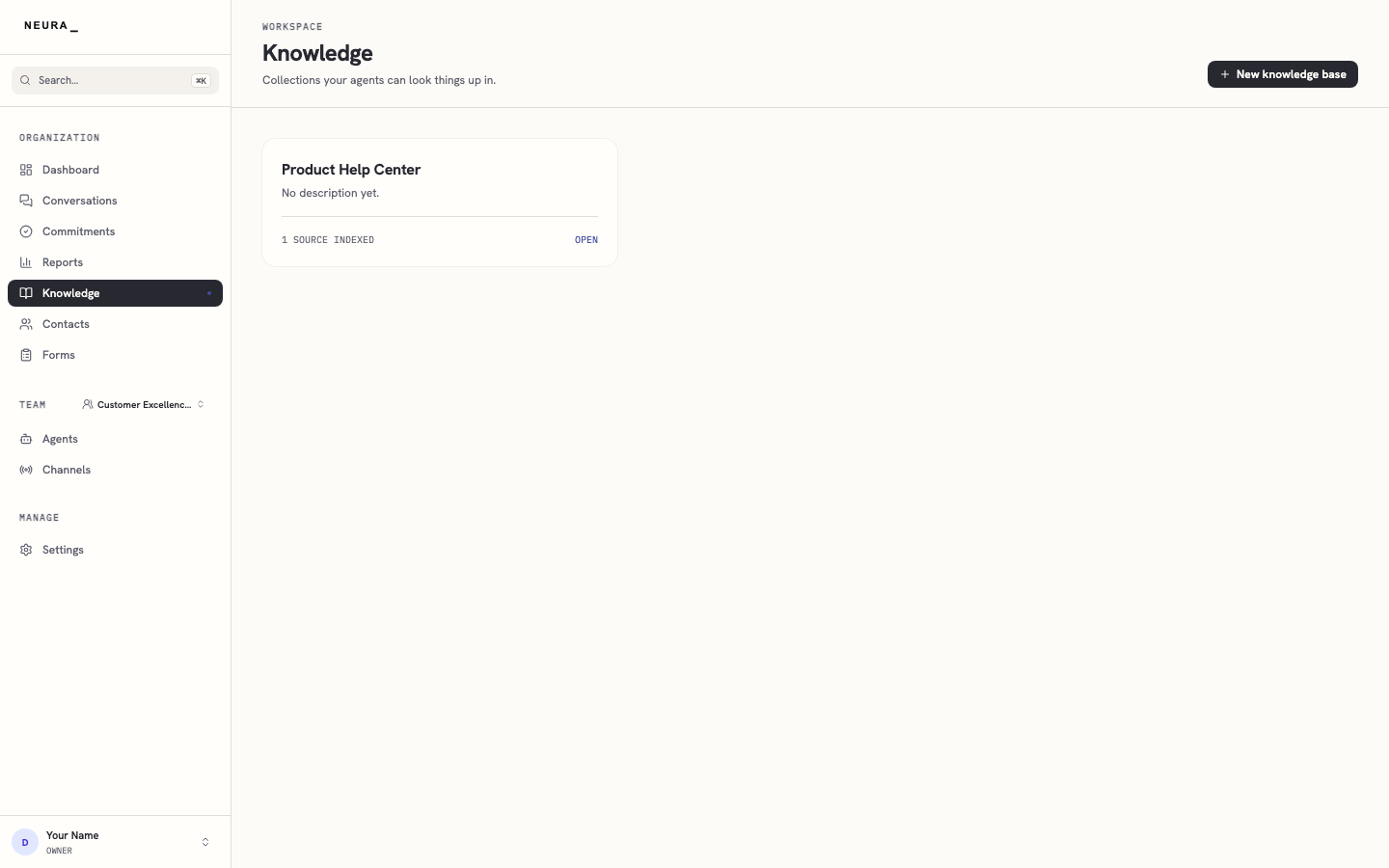
Open Knowledge in the left sidebar.
-
Click New knowledge base.
-
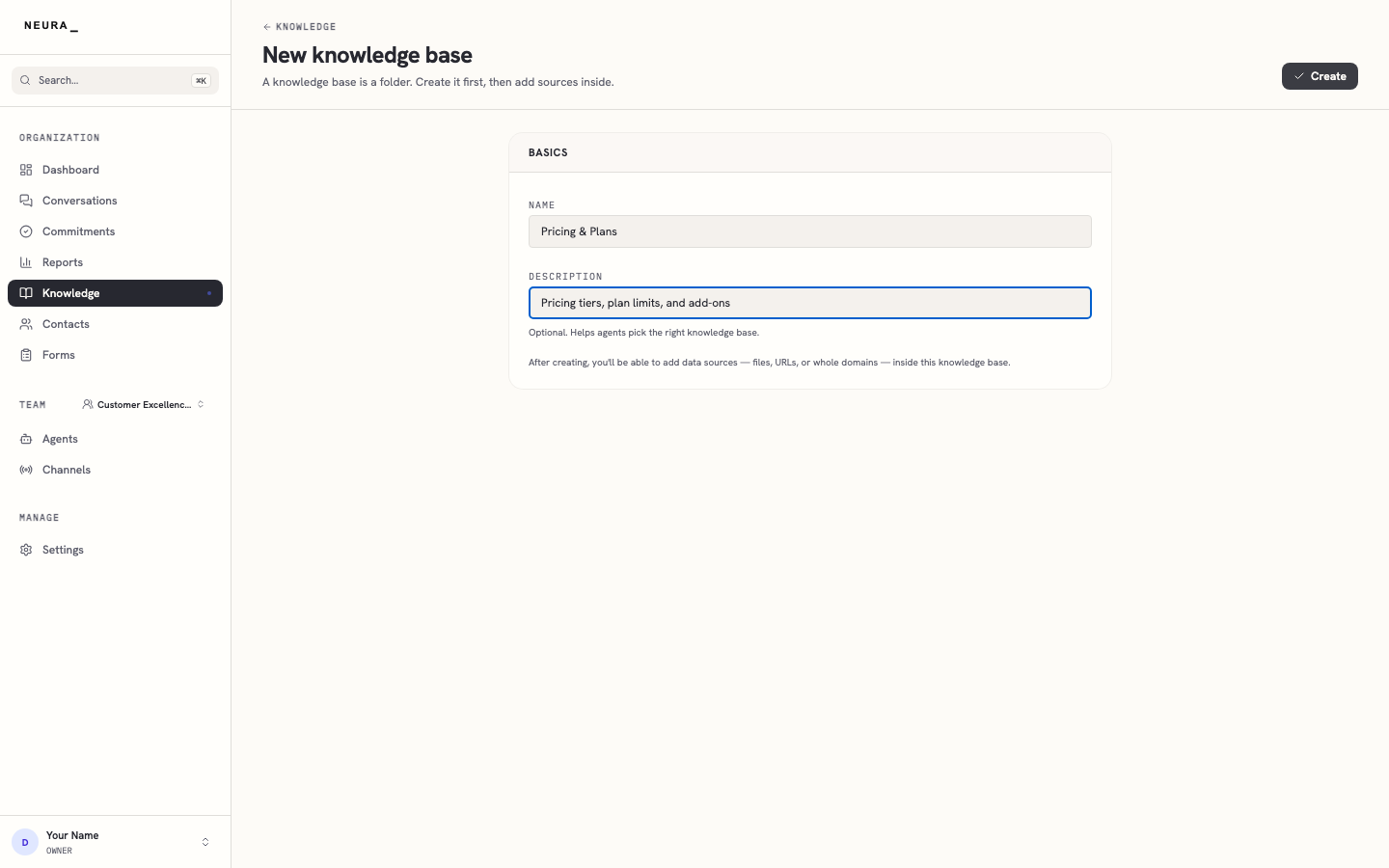
Enter a name in Name.
-
Enter a description in Description.
-
Click Create.
-
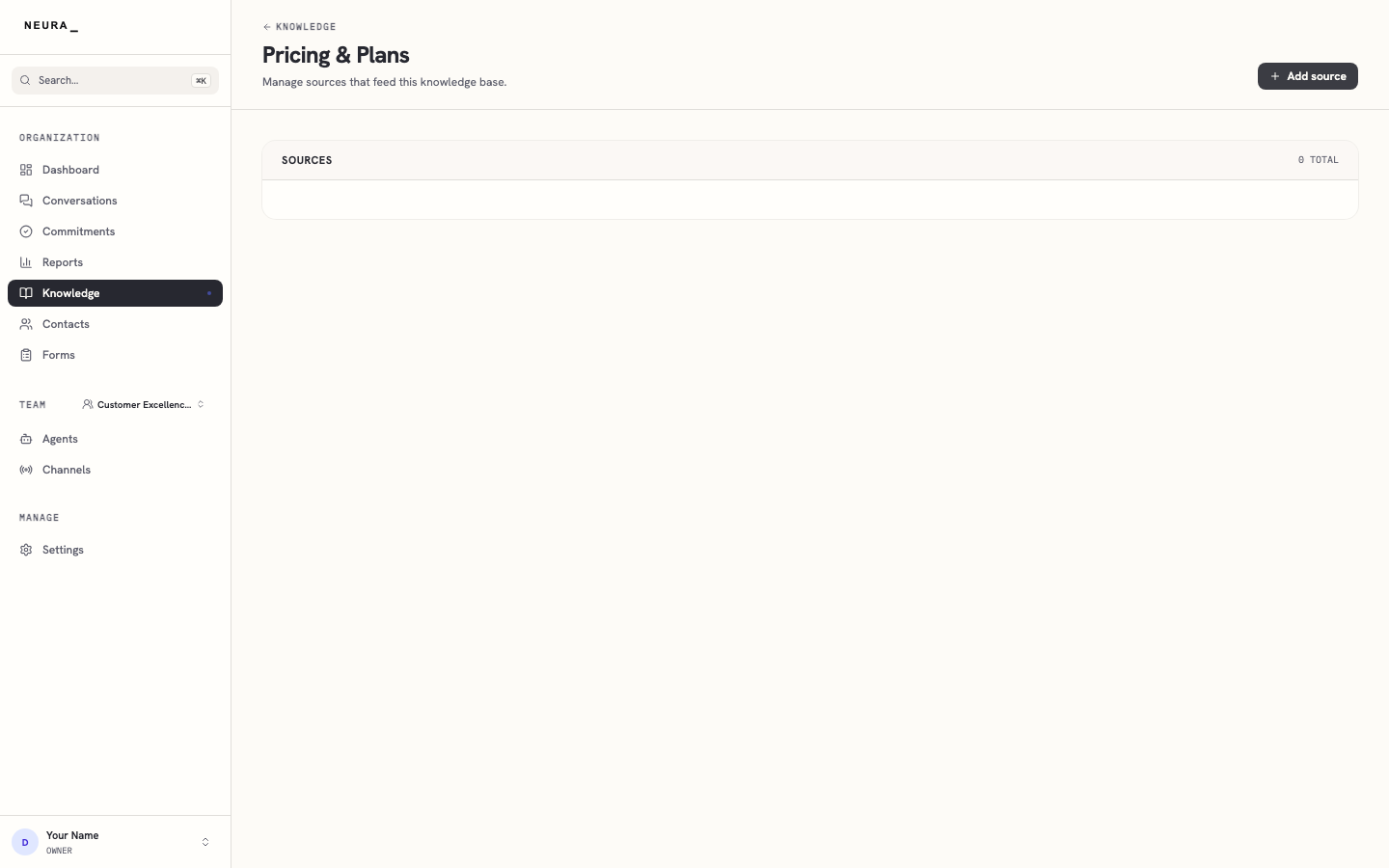
Confirm that you land on your new knowledge base.