View a contact's profile and history
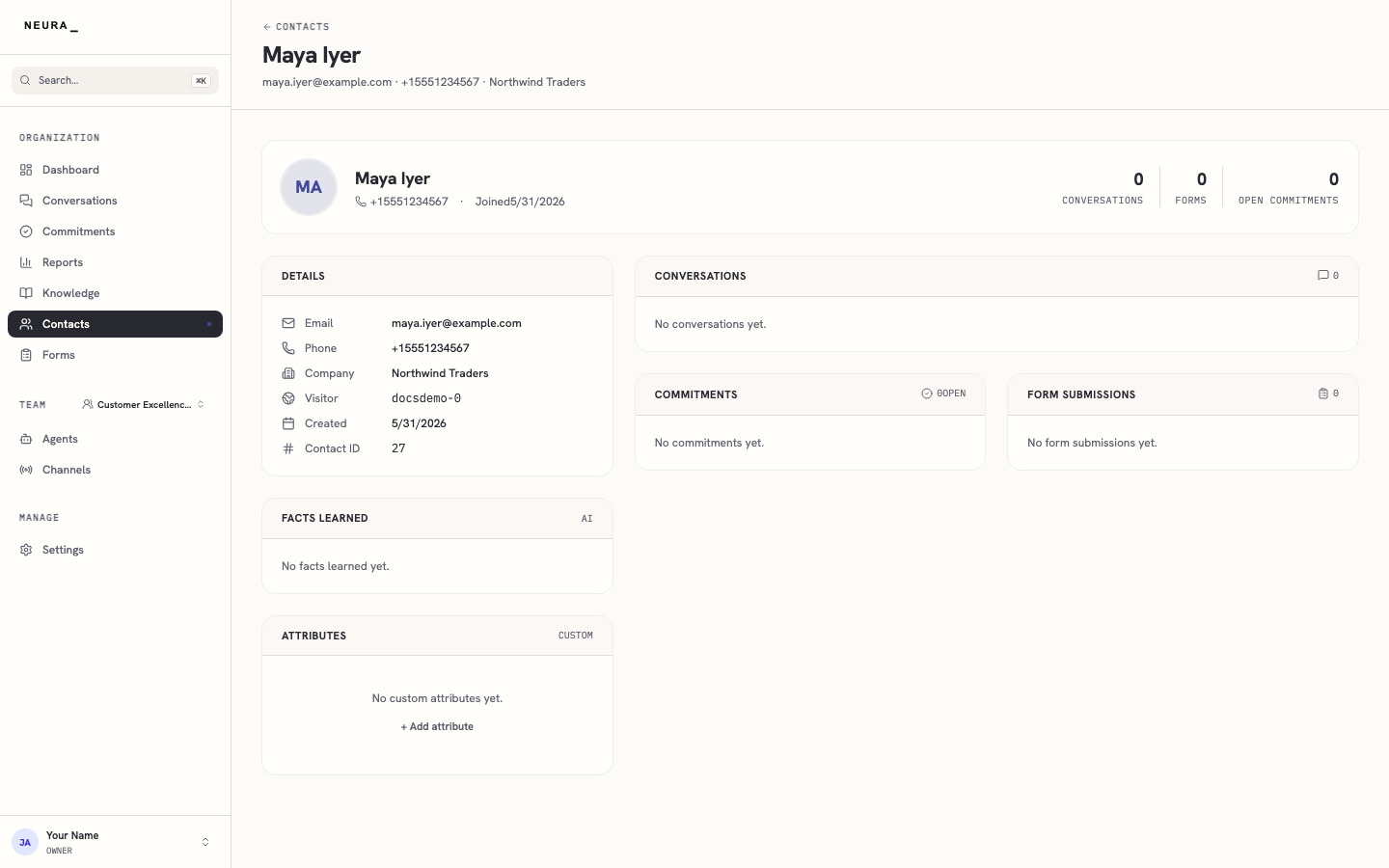
Opening a contact gives you the full picture of one person in Neura. A contact profile shows the details you have saved for them, the facts your agents have learned, their past conversations, any form submissions, and any commitments still open. It is the fastest way to understand a customer before you reply or follow up.
Before you begin
- You are signed in to Neura.
- At least one contact exists. See Browse and search contacts.
Steps
- Open Contacts from the left sidebar.
- Wait for the contacts list to load.
- Click a contact to open their profile.
- Review the contact’s details, conversations, facts learned, form submissions, and commitments.
You’ll know it worked when
You can see everything Neura knows about a contact in one place — details, conversation history, form submissions, and open commitments.