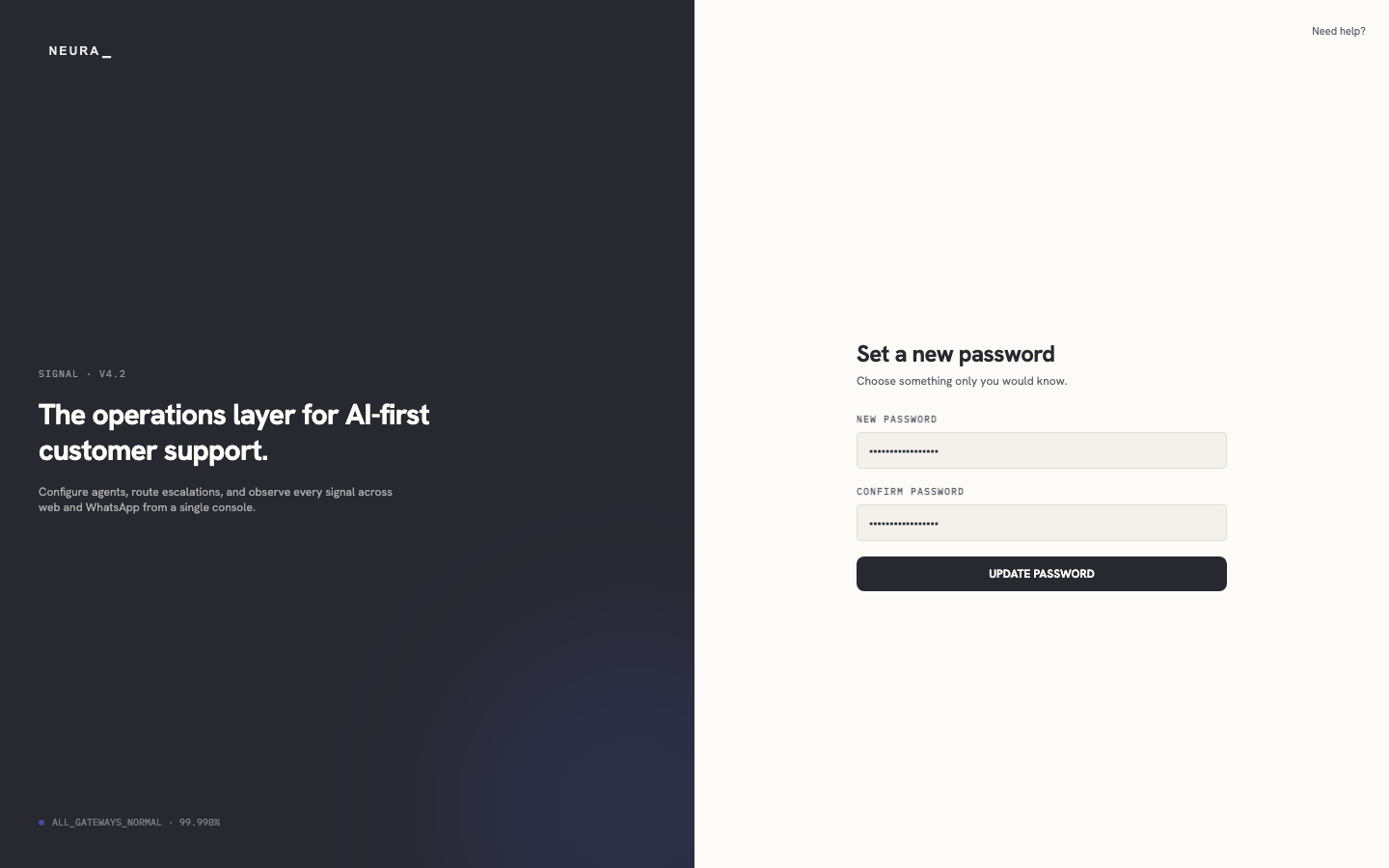
Set a new password
Use the link in your password-reset email to open the reset page and choose a new password for your account.
Before you begin
- A password-reset email from Neura with a link.
Steps
-
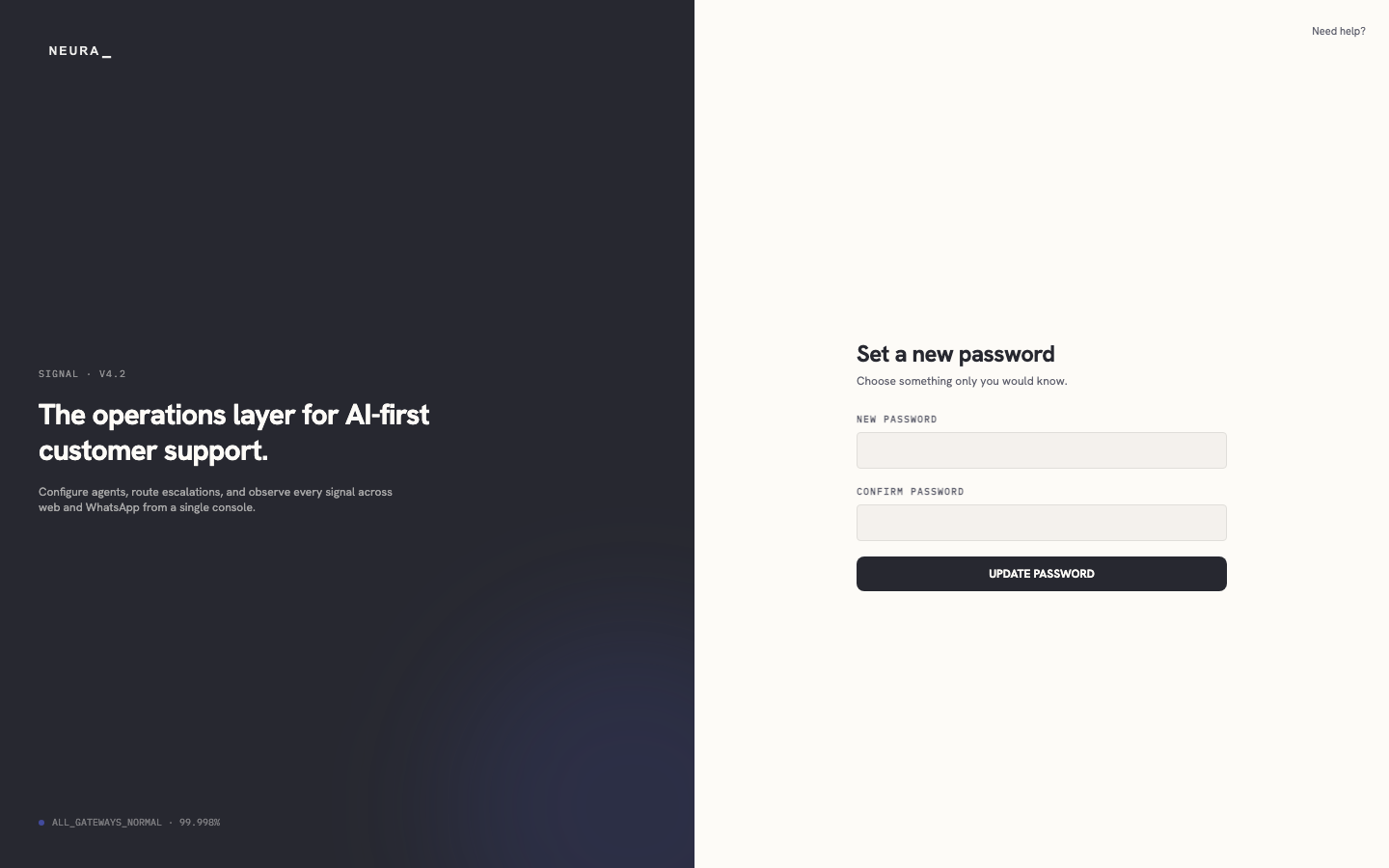
Open the reset-password link from your email.
-
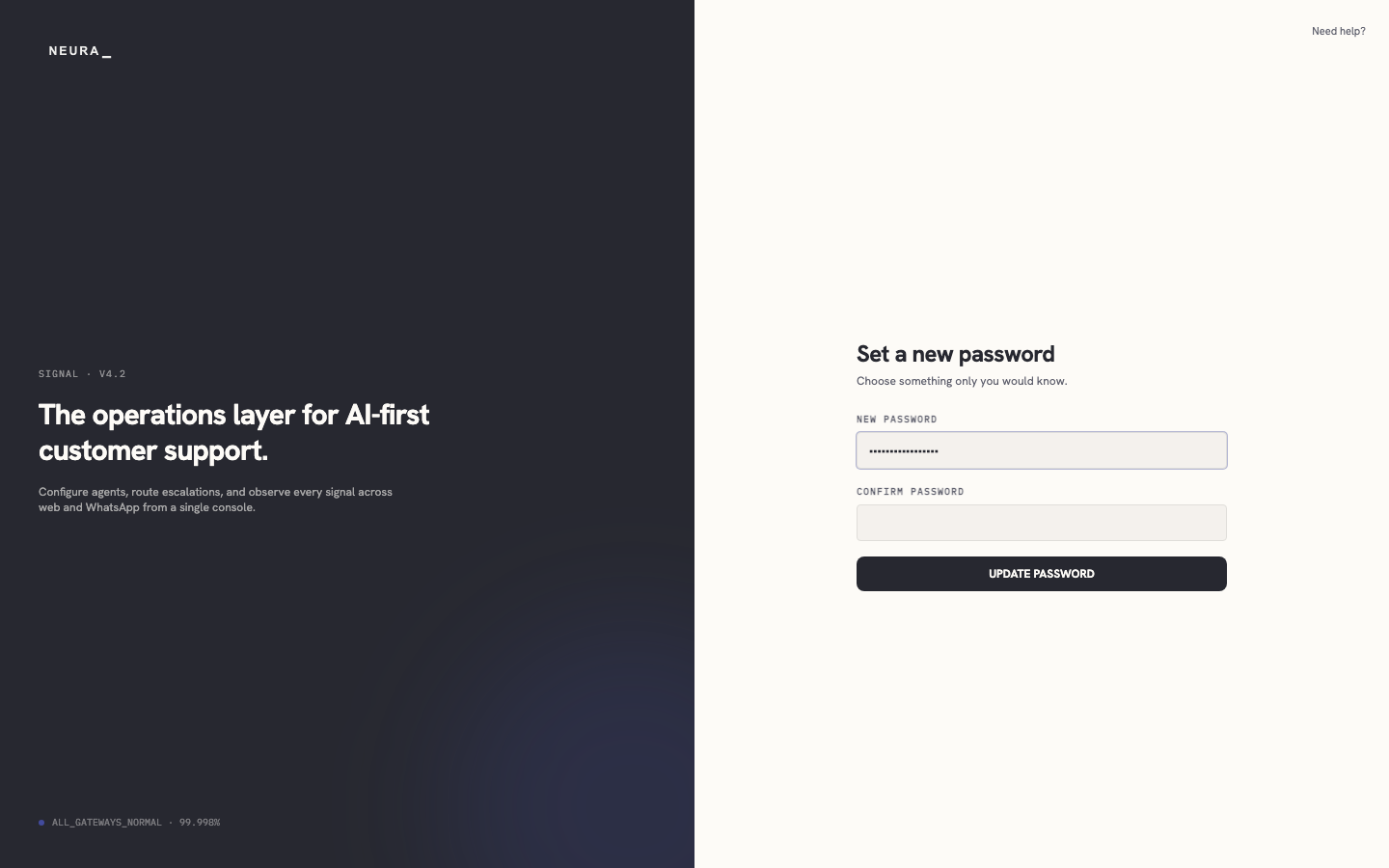
Enter your new password in NEW PASSWORD.
-
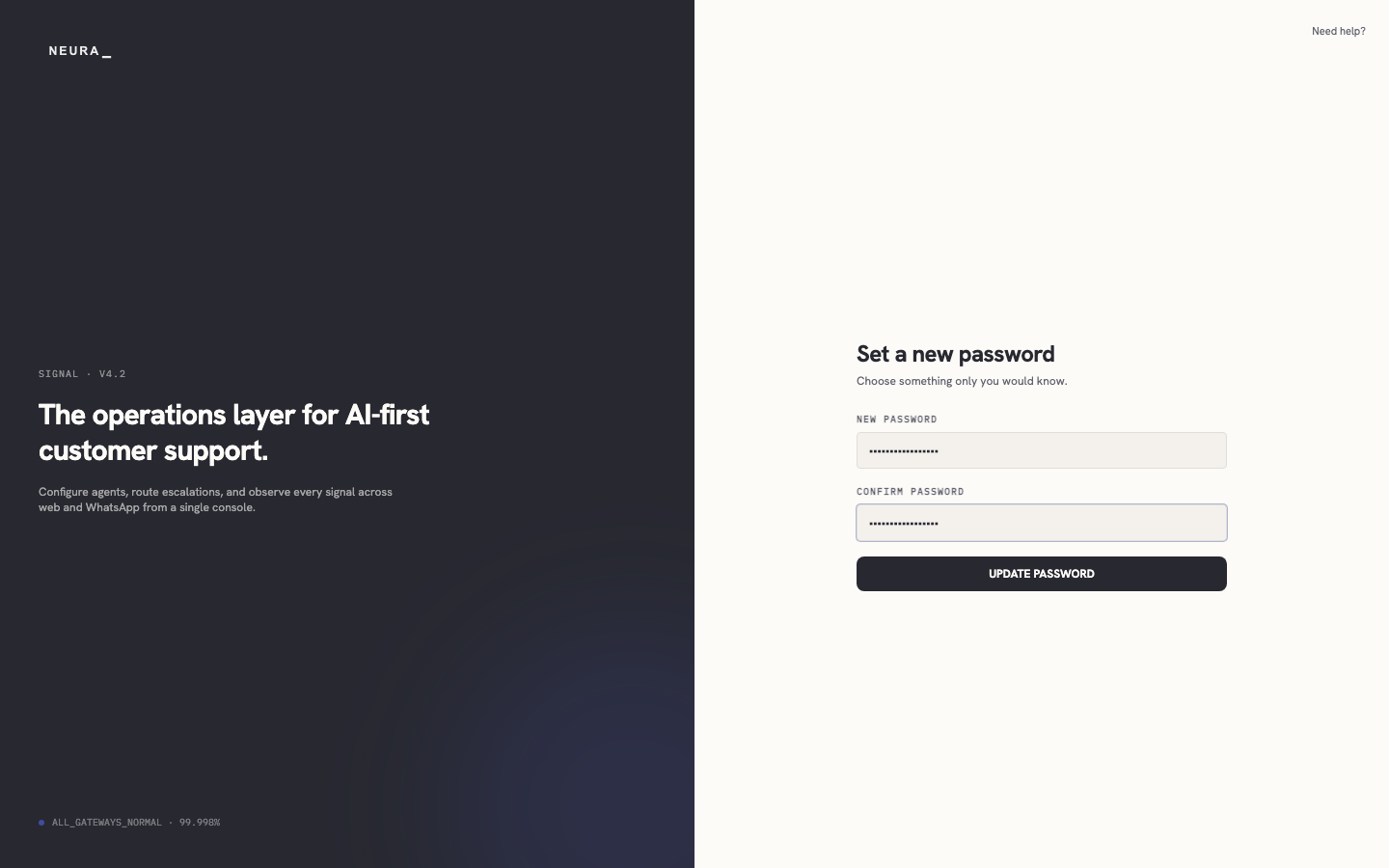
Enter the same password in CONFIRM PASSWORD.
-
Click UPDATE PASSWORD.