Route handoffs to live support
Live support routing decides when a conversation moves from an AI agent to a human, and who picks it up. Use it when you want to control your team’s support hours and how quickly Neura escalates a chat after the AI cannot resolve it. A handoff happens when the conversation is passed from the AI to a human agent.
Before you begin
- You are signed in as a workspace admin.
- You have human agents set up (see Set up human agents).
Steps
- Open Settings, then go to Live support routing.
- Review the Team section and Handoff behavior section to confirm your team hours and current handoff settings.
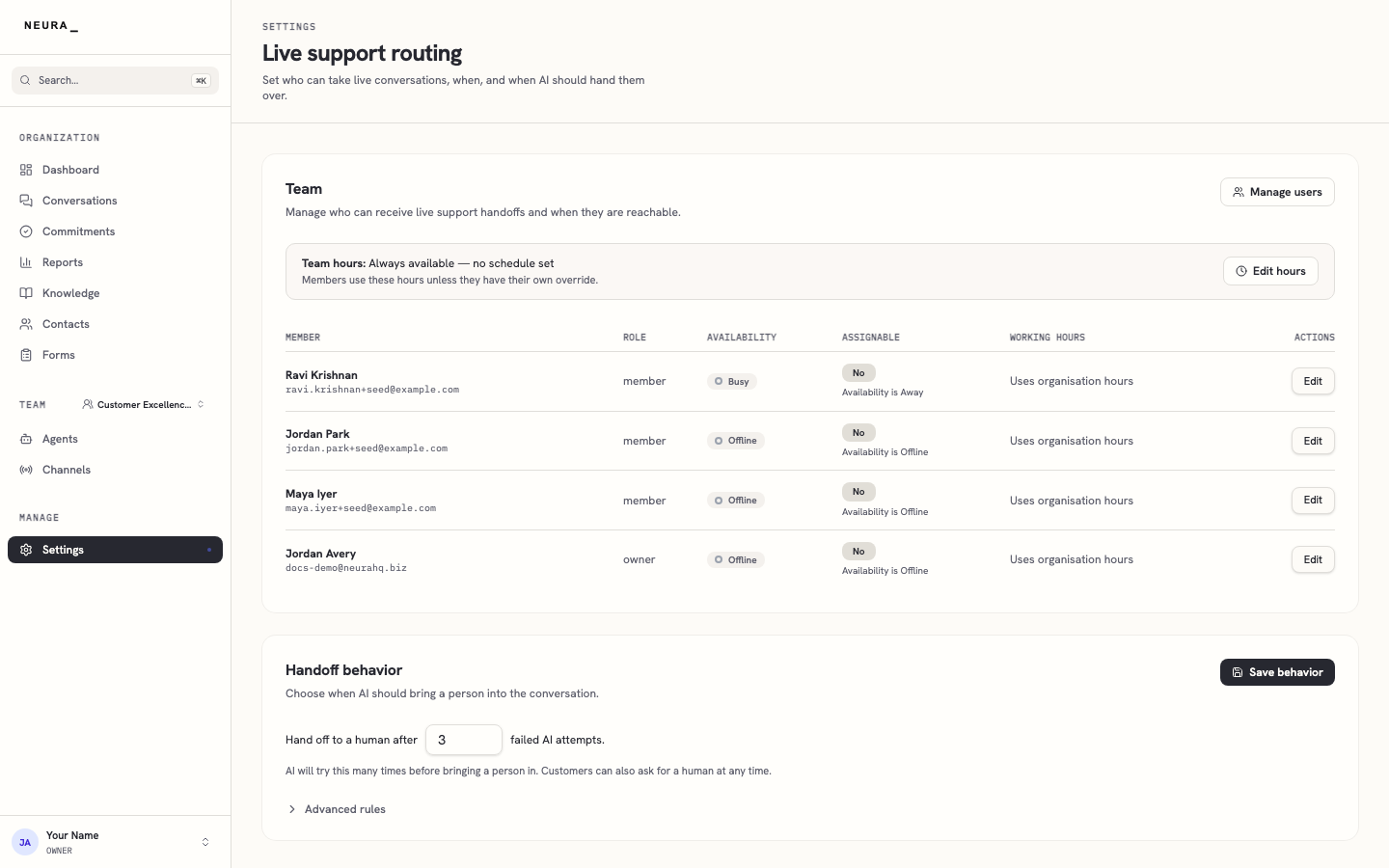
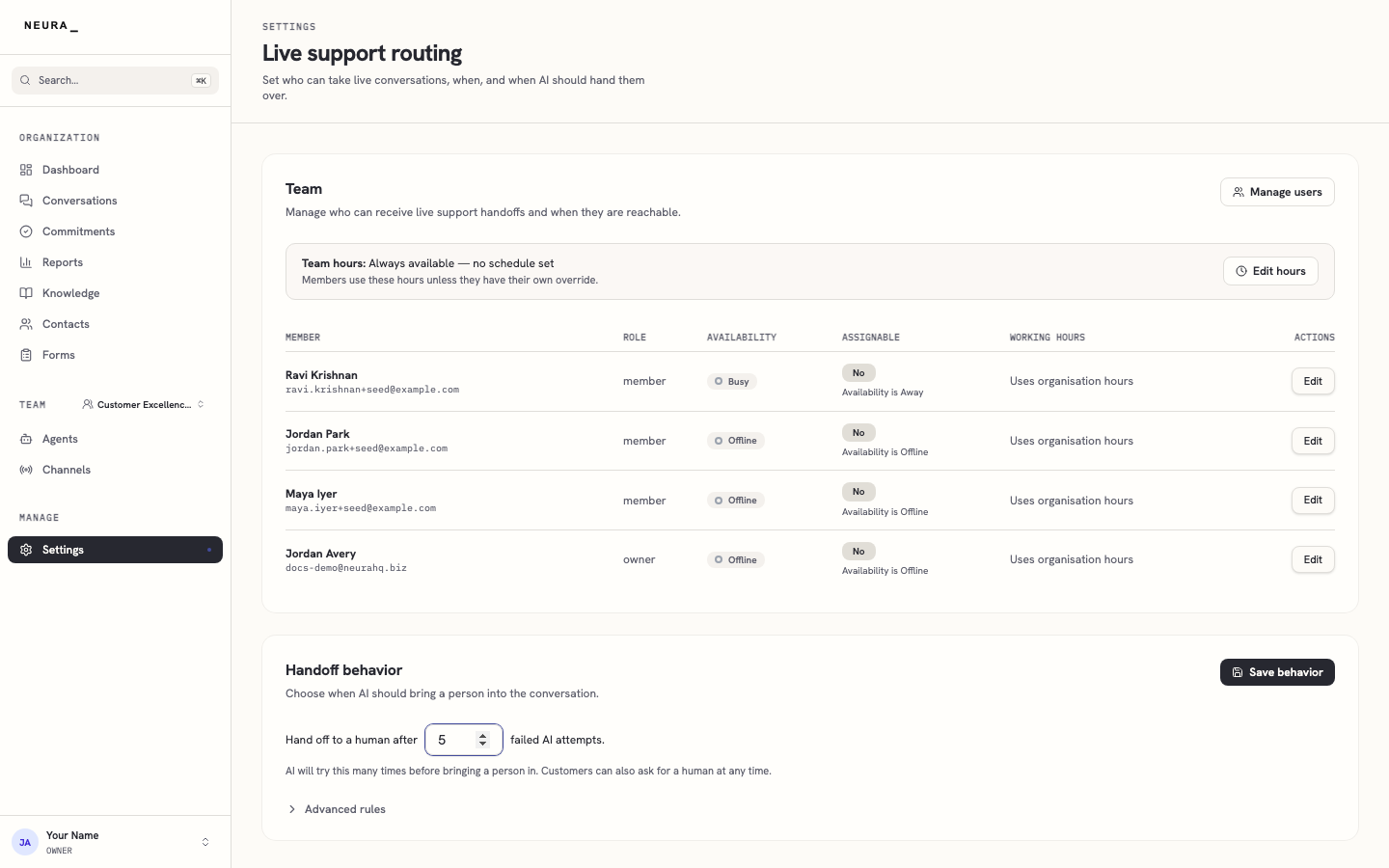
- Enter the number of failed AI attempts to allow in Hand off to a human after, then click Save behavior to save the handoff rule.
You’ll know it worked when
Your handoff rule is saved, and conversations escalate to a human once the AI reaches the number of attempts you set, within your team’s support hours.