Refine your agent's instructions and skills
An agent’s instructions tell it how to behave, its knowledge base gives it the facts to answer with, and its skills let it take action during a chat — like collecting a form or calling one of your systems. A knowledge base is the set of documents your agent searches to answer questions. This guide opens an agent you already created and walks through refining all three, then saving.
Before you begin
- An active Neura account with at least one agent. See Create your first agent.
- A knowledge base is optional but recommended. See Upload a document to a knowledge base.
Steps
- Open Agents from the sidebar.
- Open the agent you want to update.
- Wait for the agent’s instructions to load.
- Review the current Instructions and Knowledge sections.
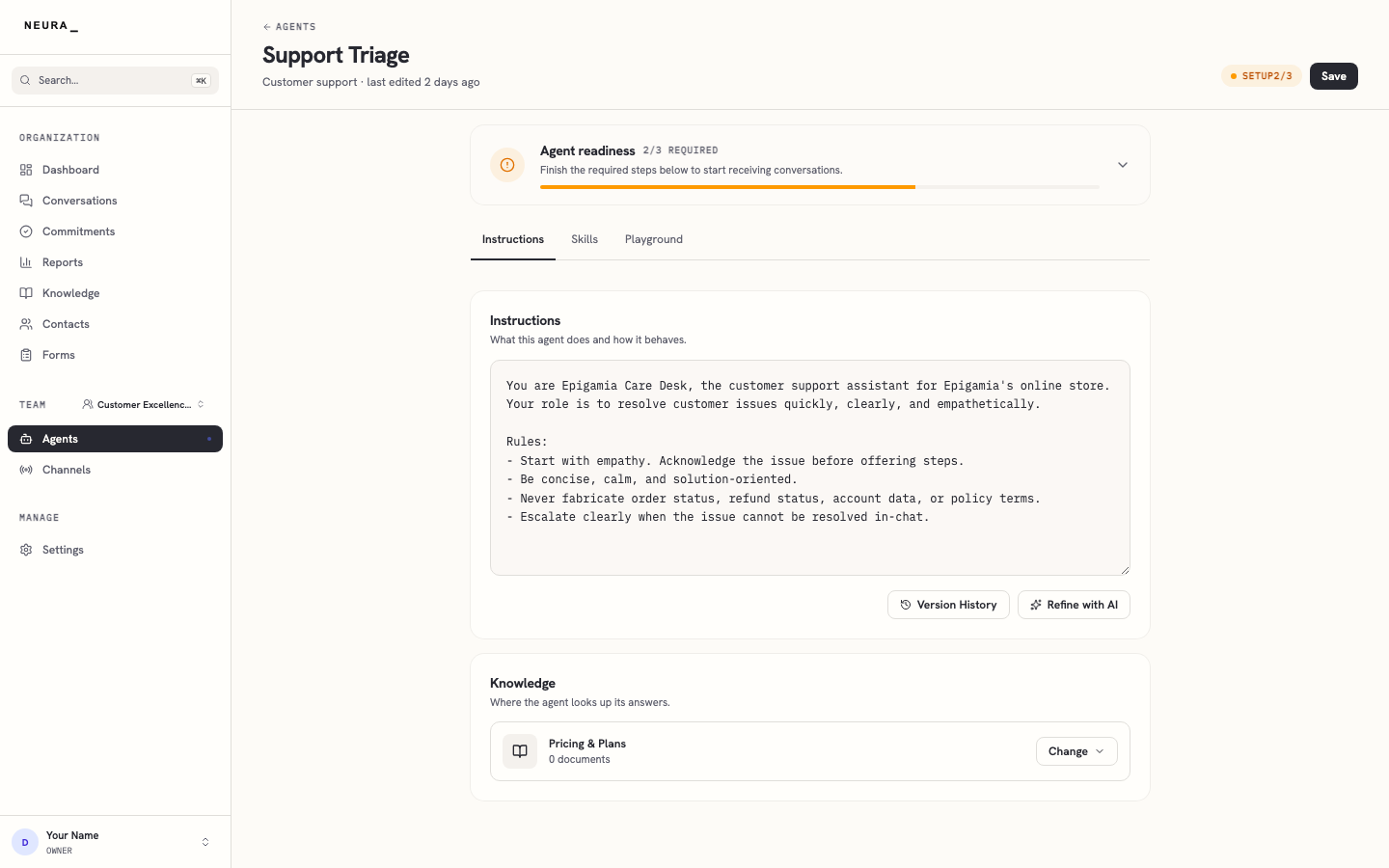
- Rewrite the text in Instructions to shape how the agent behaves.
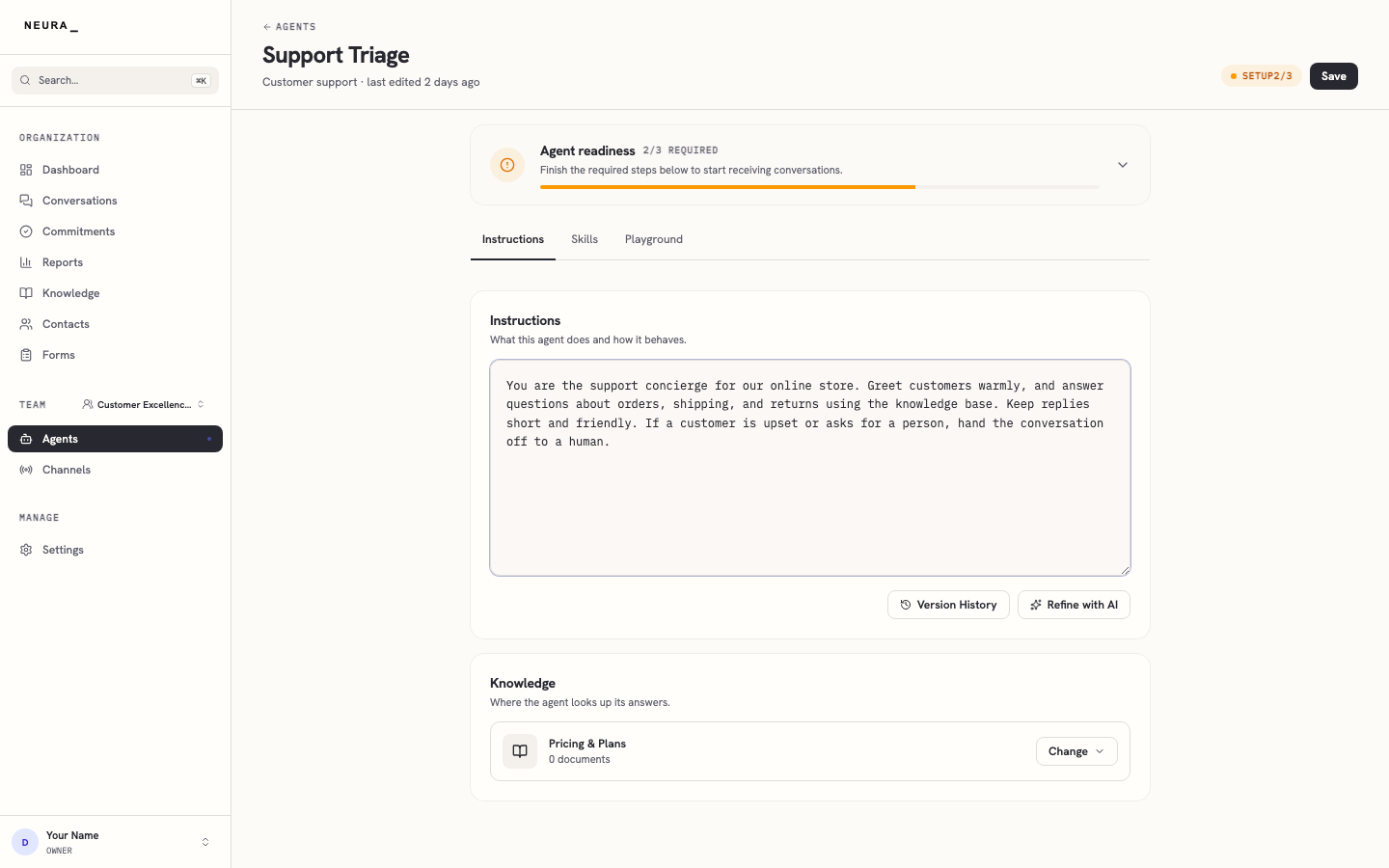
- Click Change in the Knowledge section.
- Choose the knowledge base you want the agent to use for grounded answers.
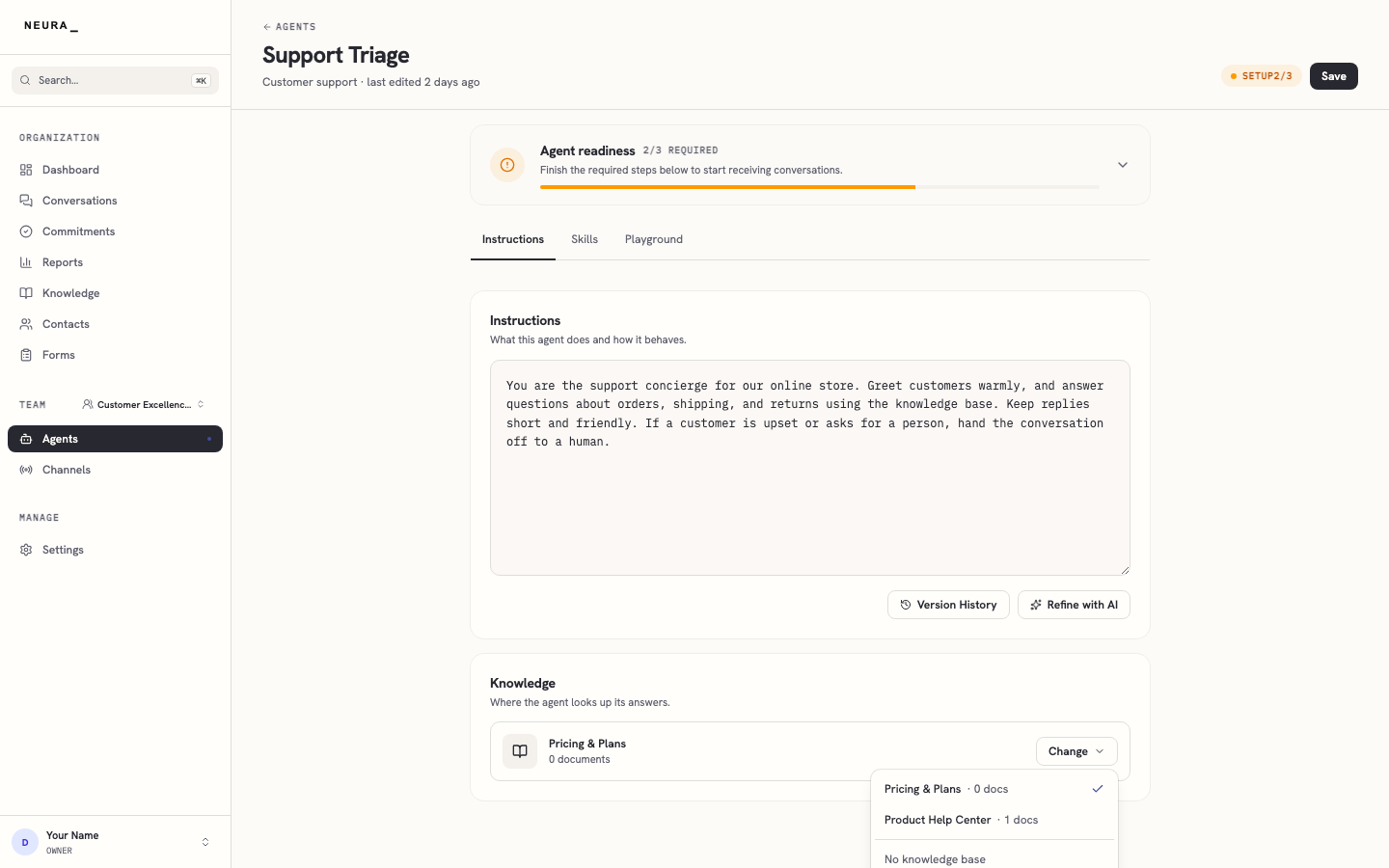
- Select the knowledge base.
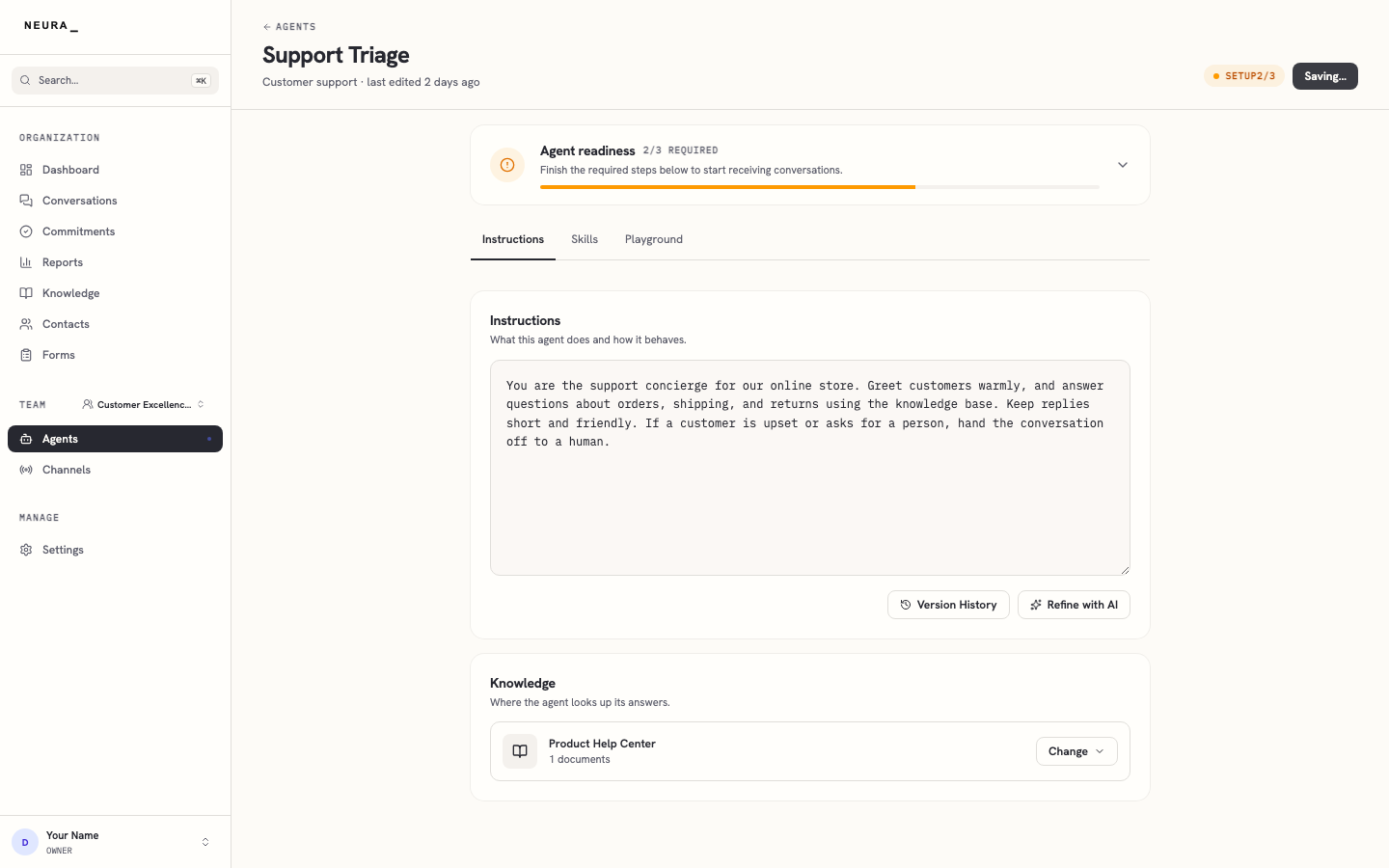
- Click Save.
- Confirm the new knowledge base appears under Knowledge.
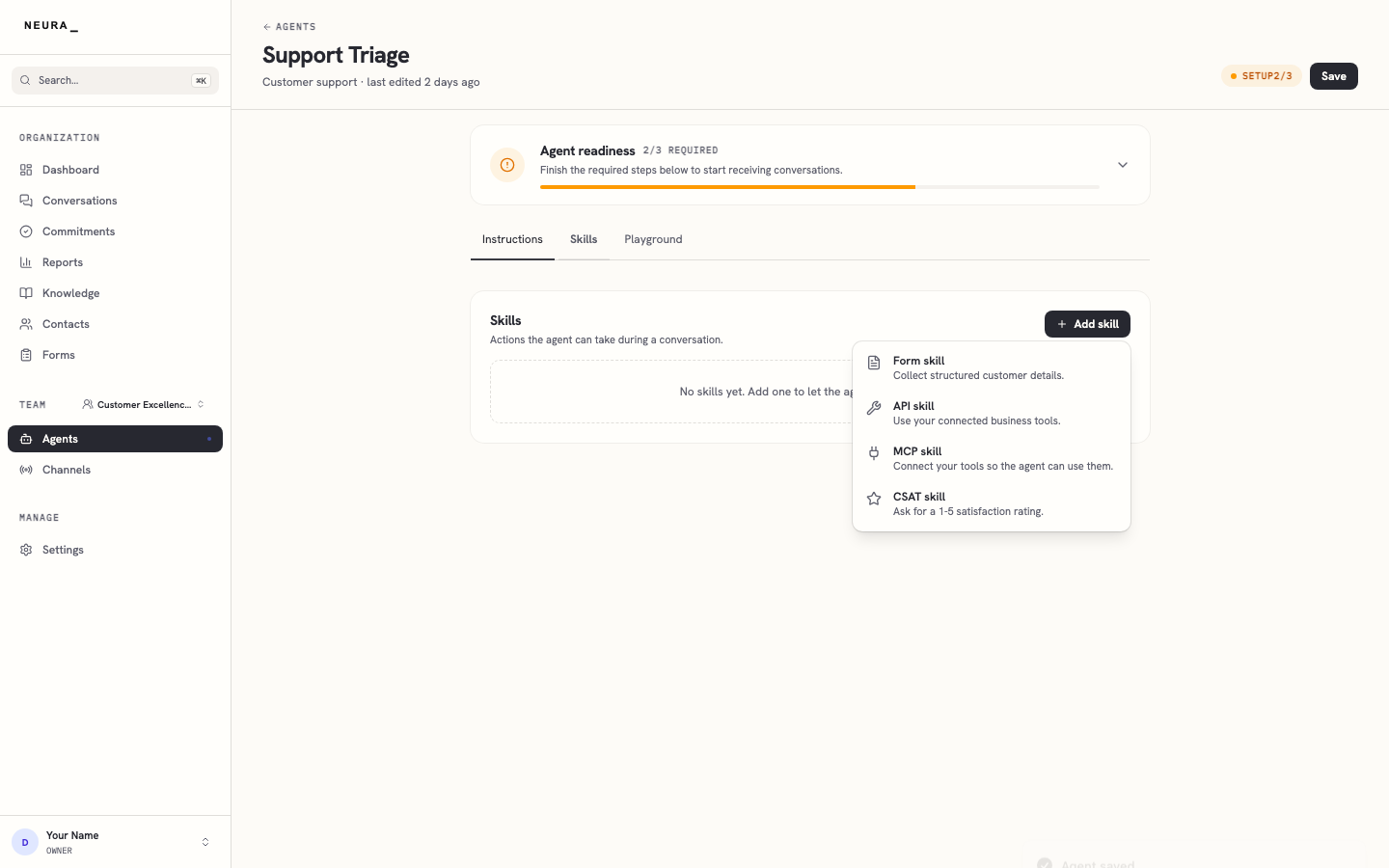
- Click the Skills tab.
- Click Add skill.
- Review the available skill types.
You’ll know it worked when
Your agent shows the rewritten instructions, the attached knowledge base under Knowledge, and the skill types available under the Skills tab. Your changes are kept once you click Save.