Review form submissions
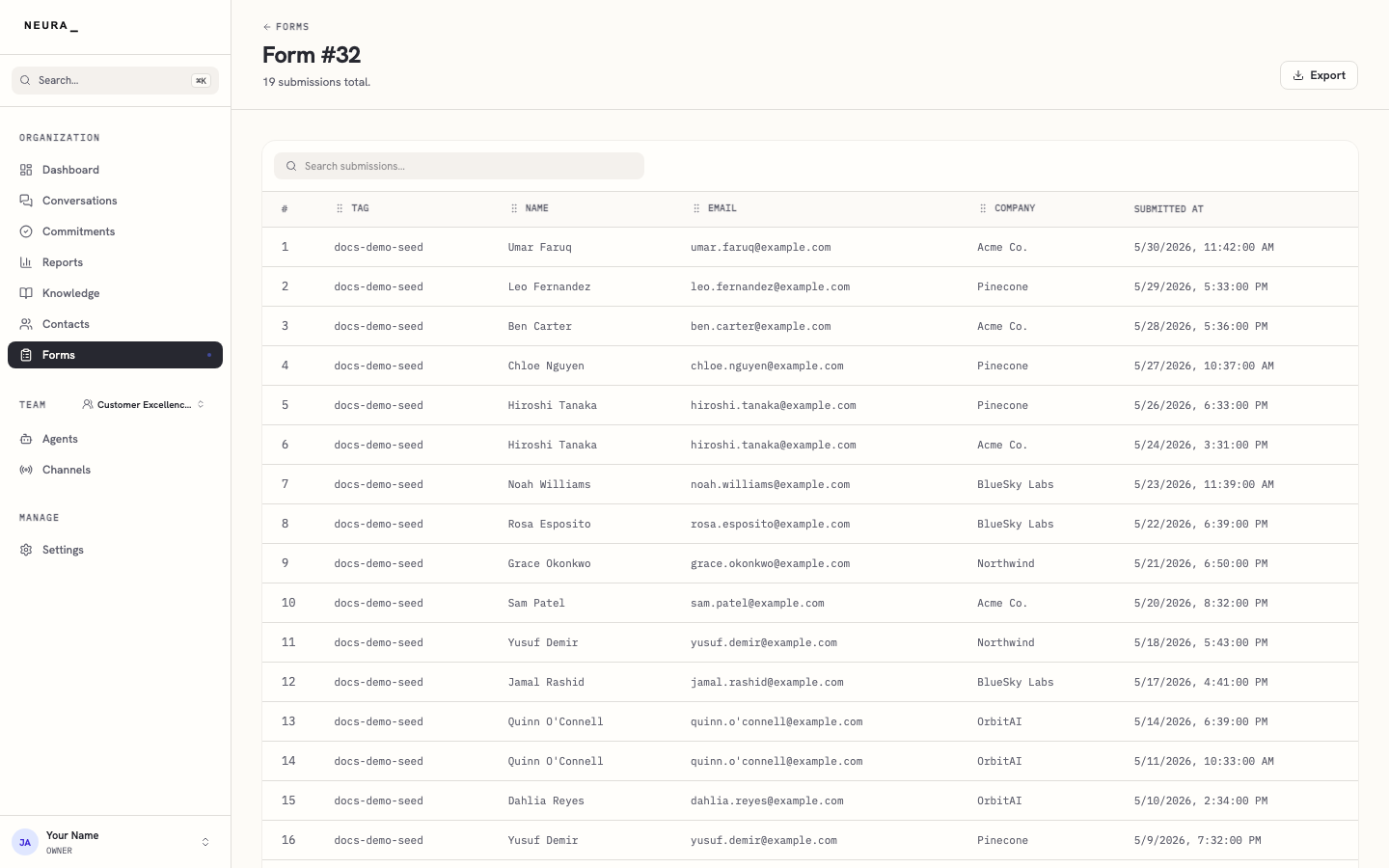
Every time a customer fills in one of your agent’s forms, the answers are saved as a submission. Opening a form shows those submissions in a table, with one row for each response, so you can review leads, requests, or feedback as they come in and search for a specific one.
Before you begin
- You are signed in to Neura.
- A form has collected at least one submission. See Forms overview.
Steps
- Open Forms from the left sidebar.
- Wait for your forms to load.
- Open a form that has submissions.
- Review the submissions table for that form, or use Search submissions… to find a specific response.
You’ll know it worked when
You can read every response a form has collected, newest first, and search the table to find a specific submission.