Browse and search contacts
A contact is a person who has talked to your agents — a customer, a lead, or a visitor who left their details. Neura builds this list automatically from your conversations. Use it to look someone up by name, email, or another detail, then open their profile to see their full history with you.
Before you begin
- You are signed in to Neura.
- At least one conversation has happened so contacts exist.
Steps
- Click Contacts in the left sidebar.
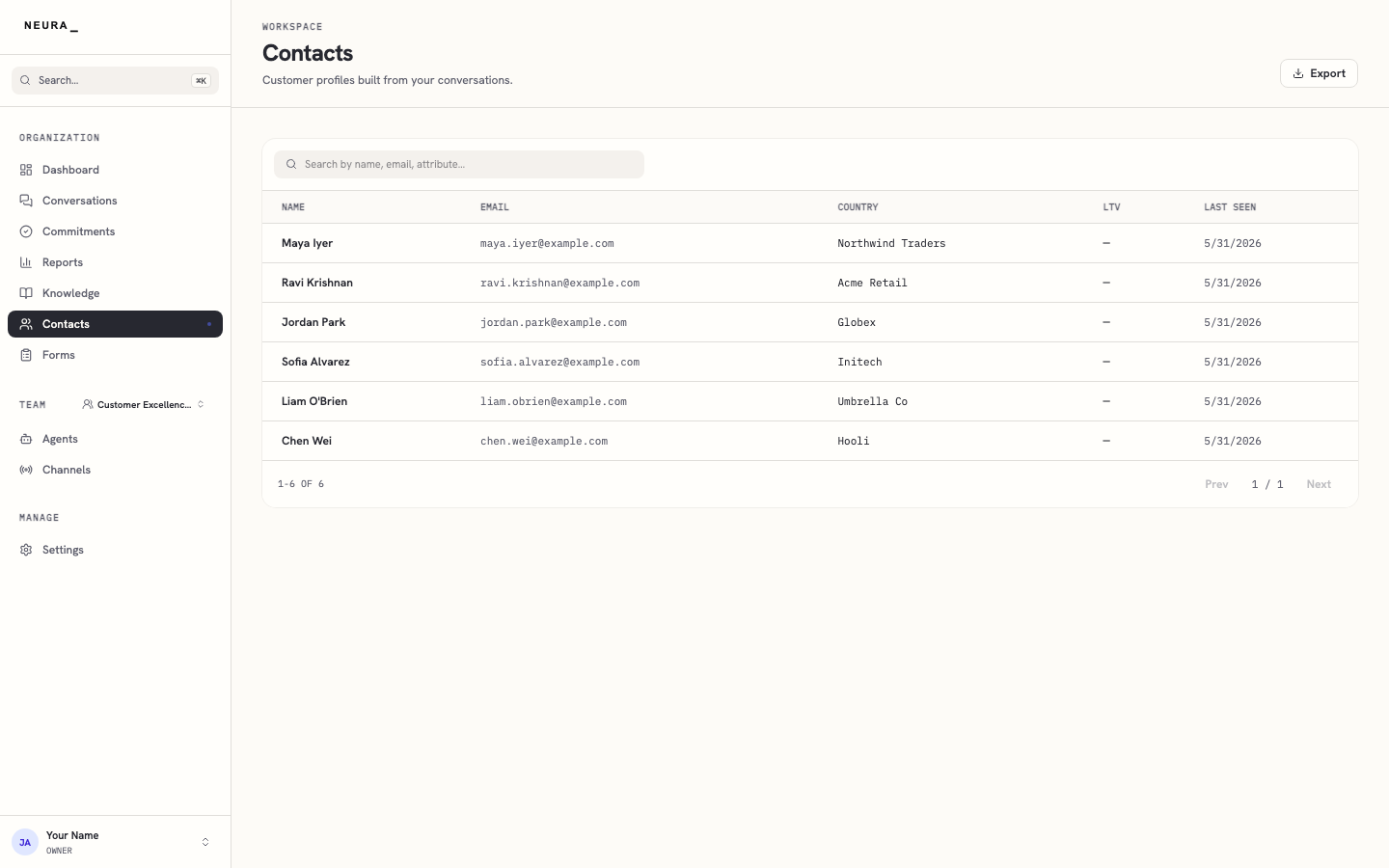
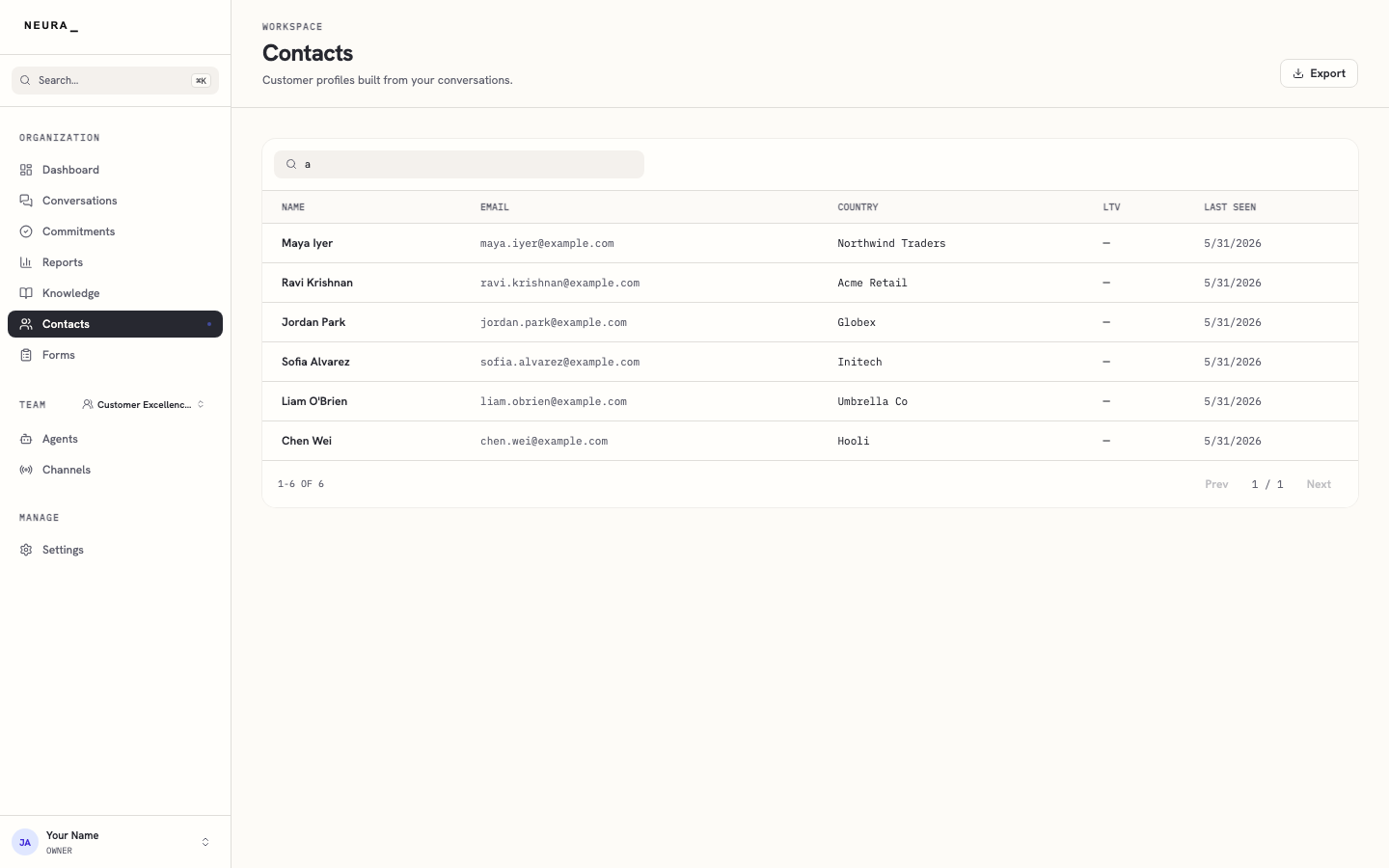
- Type a name, email address, or another detail into the search box to narrow the list.
You’ll know it worked when
You can narrow the list to the person you’re looking for and open their profile to see everything they’ve done.