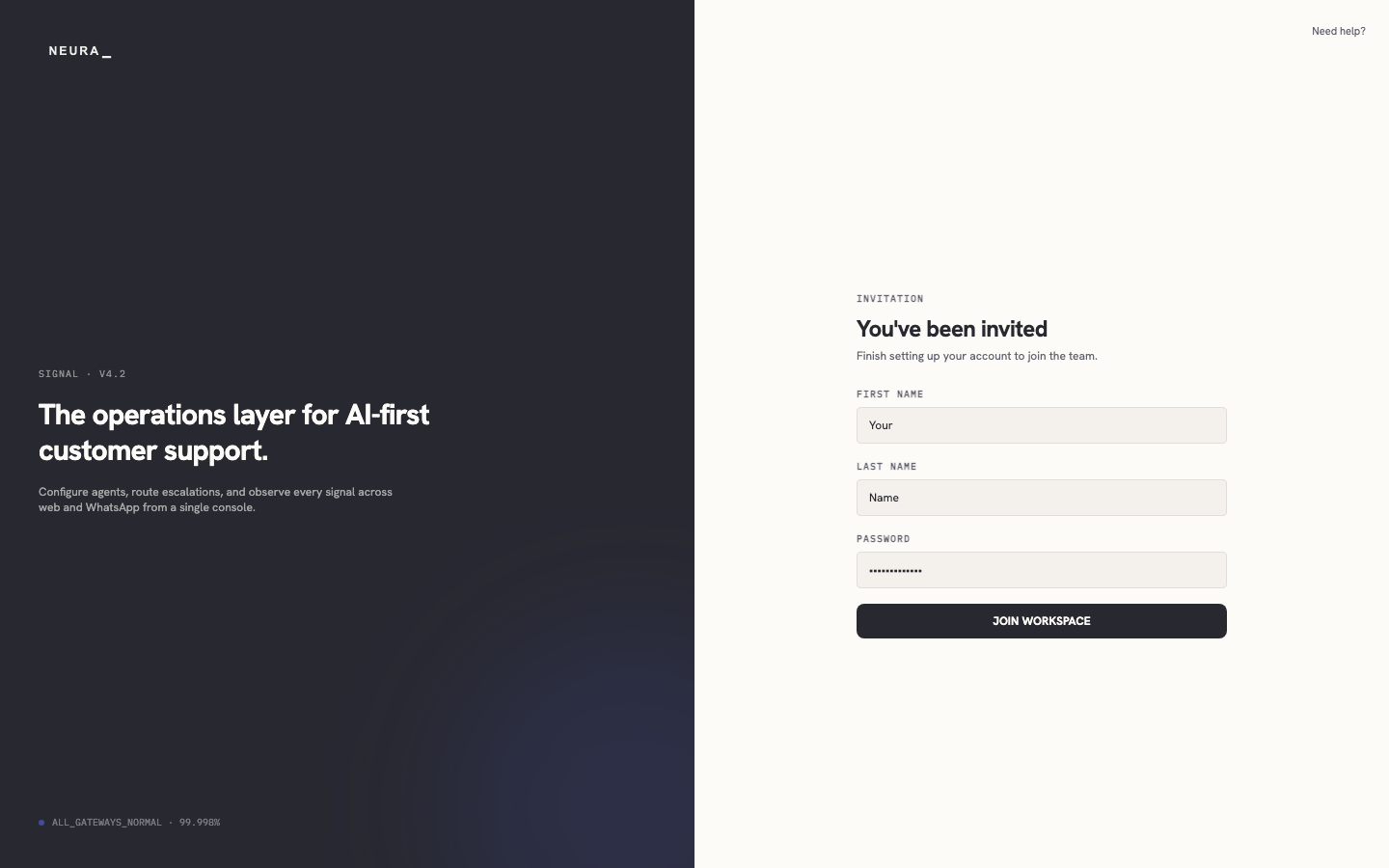
Accept a workspace invitation
Use your invitation email to create your account details and join your team’s workspace.
Before you begin
- An invitation email from a Neura team admin with a join link.
Steps
- Open the invitation link from your email.

- Enter your first name in FIRST NAME.
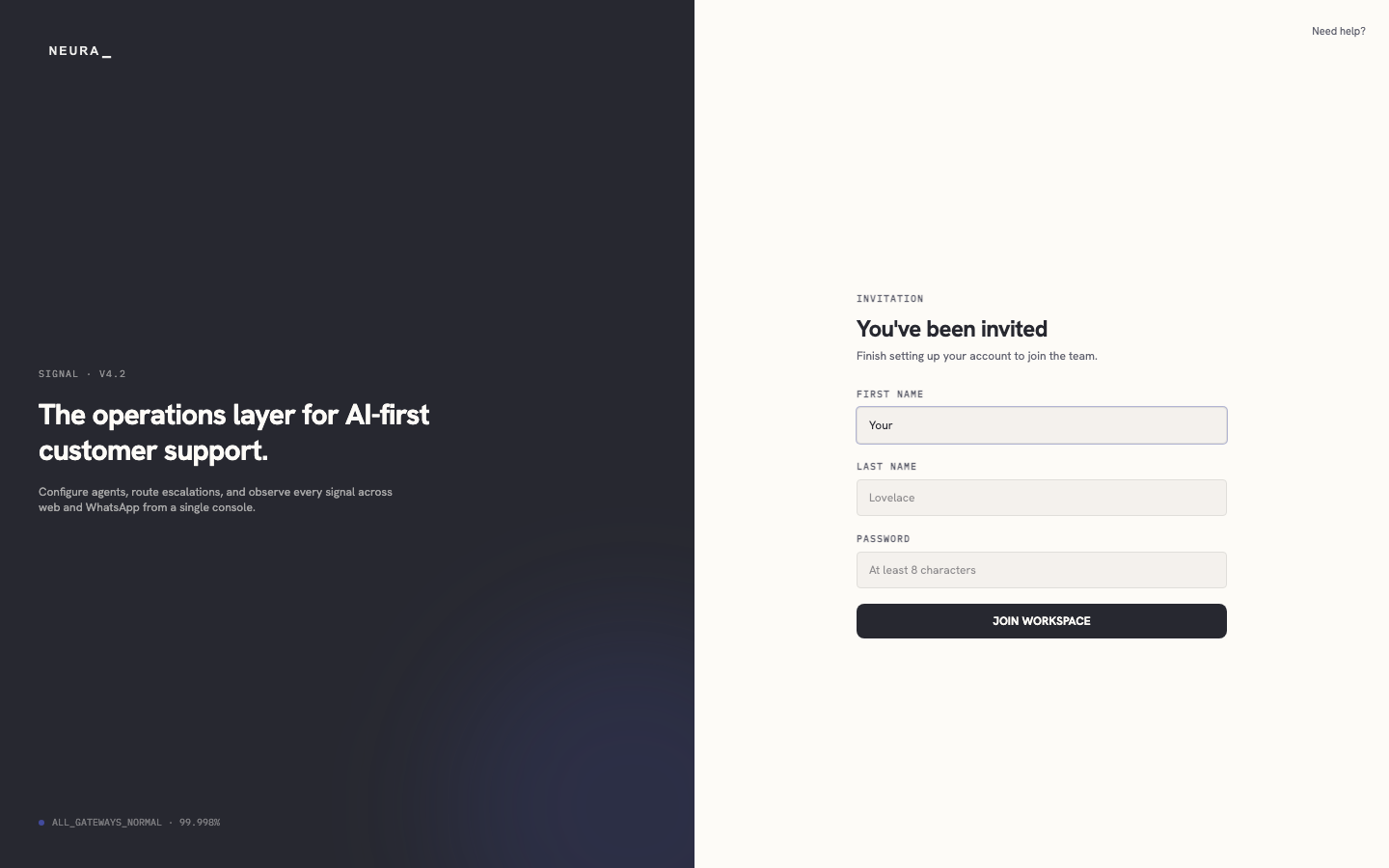
- Enter your last name in LAST NAME.
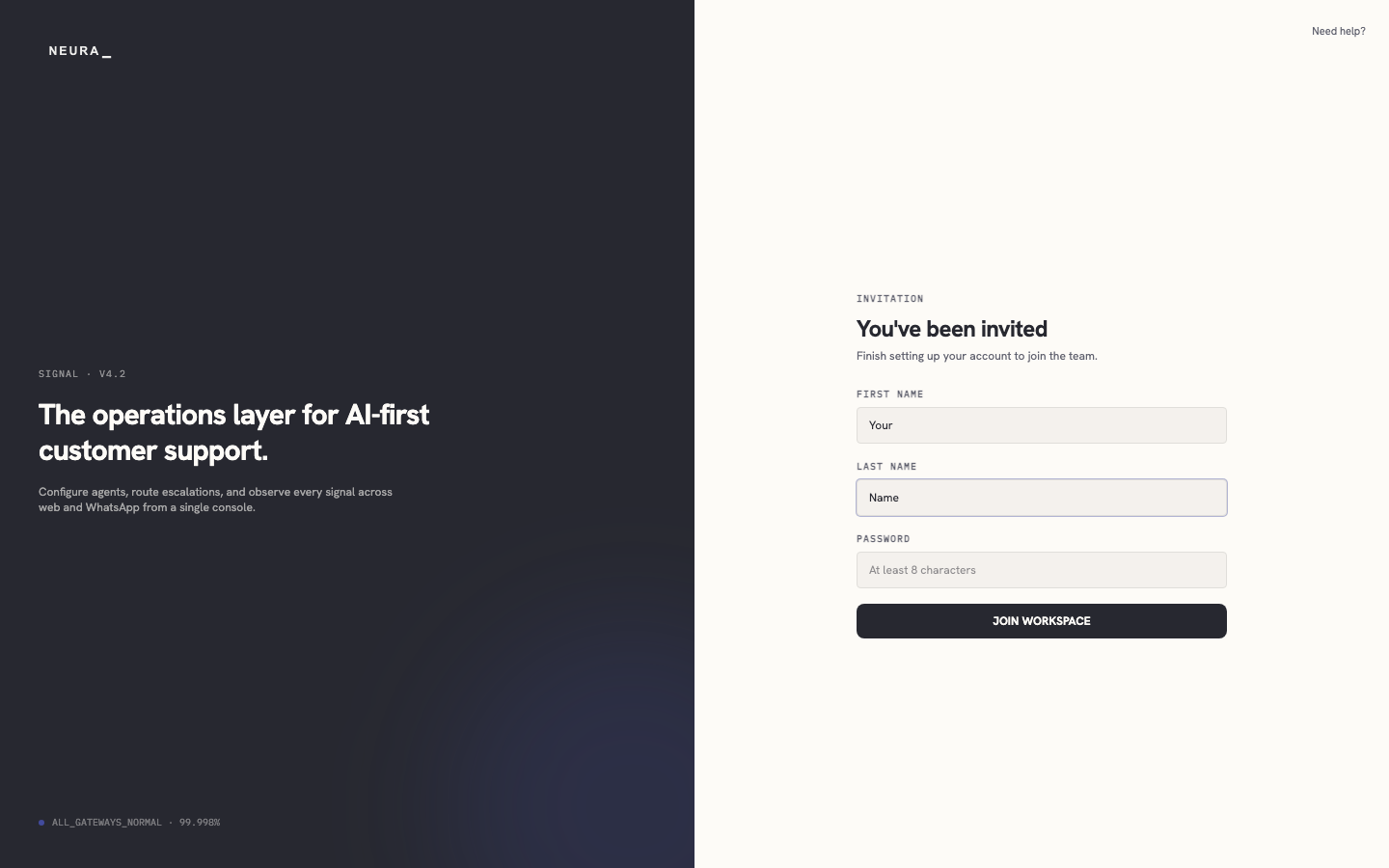
- Enter a password in PASSWORD.
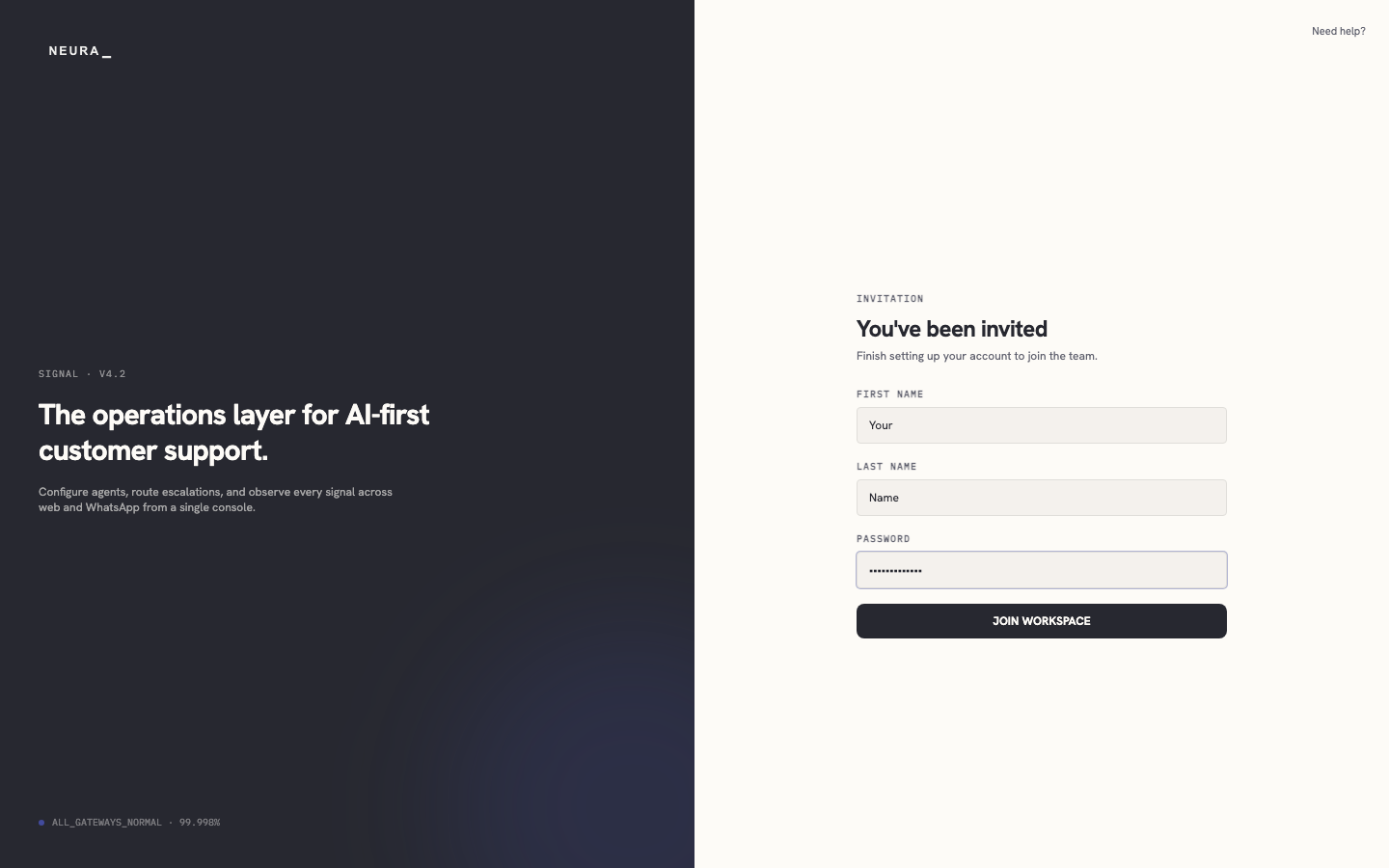
- Click JOIN WORKSPACE.